

Step 01
Start with Mockup Studio
Upload a product, artwork, or rough idea and turn it into a polished commercial scene with the product kept at the center.
Launch Mockup Studio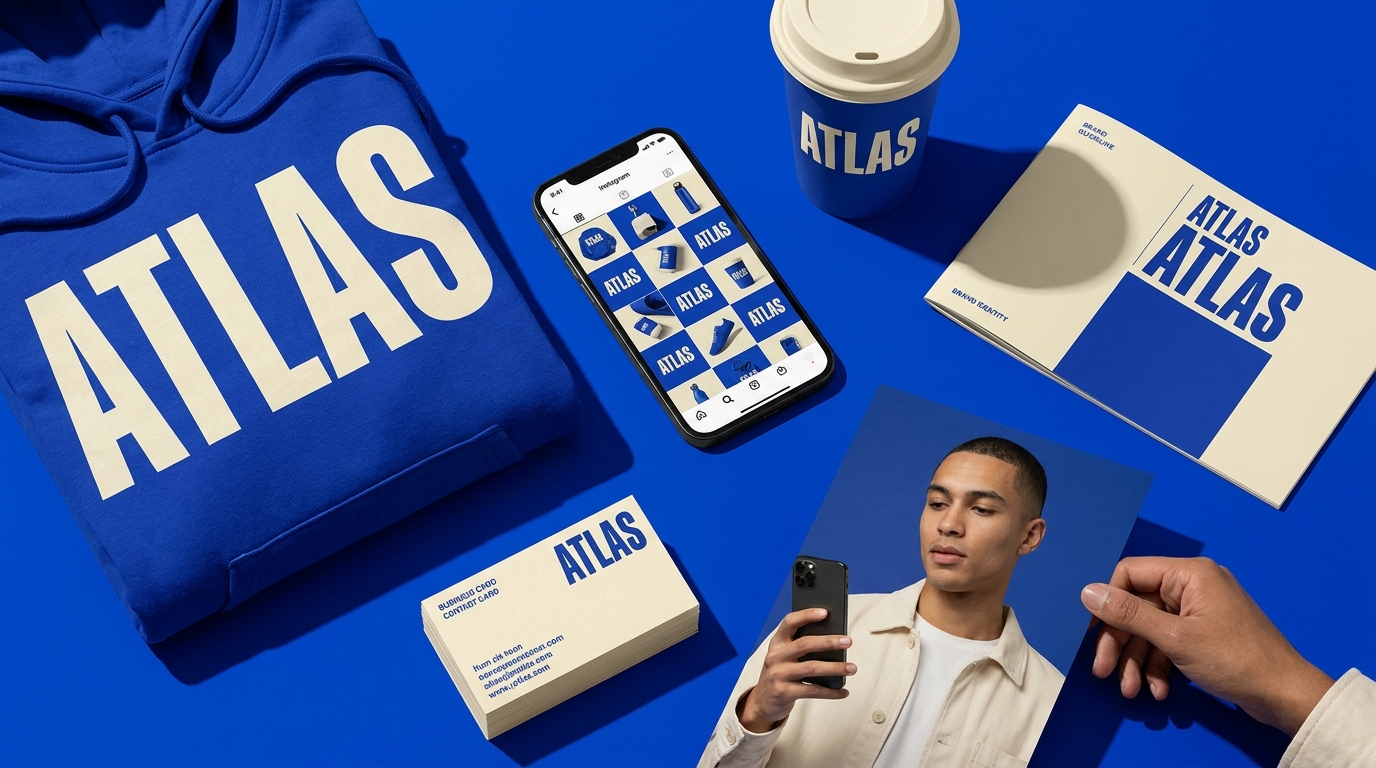
01
Mockup
Create photoreal mockups, campaign images, videos, ads, and smart edits from focused AI workspaces. Built for creators and teams who need cleaner launch assets.
Trusted by teams at
The studios
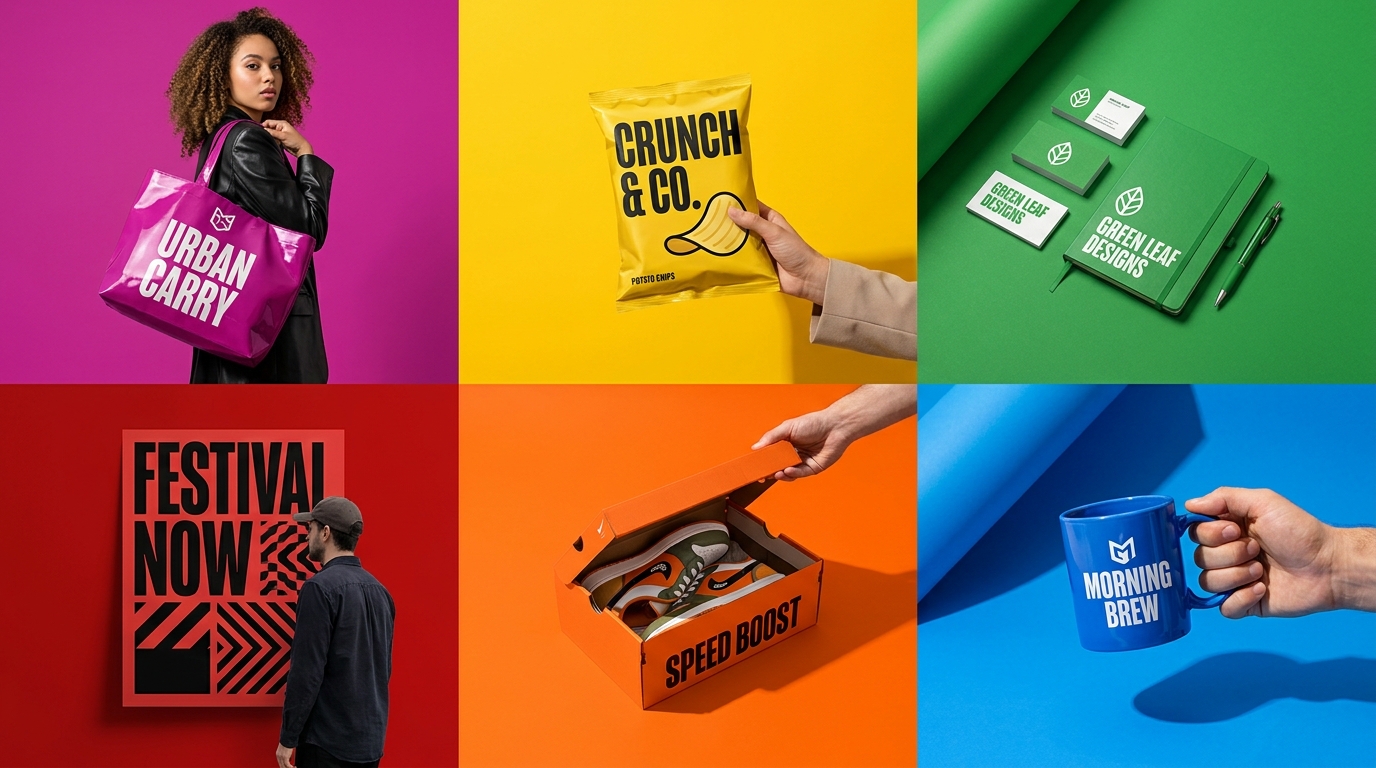
Each studio is built around a real launch workflow, yet shares the same assets, brand context, and credits. Jump between them without breaking flow.
One studio · Every workflow
Stop duct-taping five different AI apps together. Mockingbird unifies the full visual pipeline in one studio — with shared assets, consistent style, and a single credit wallet.
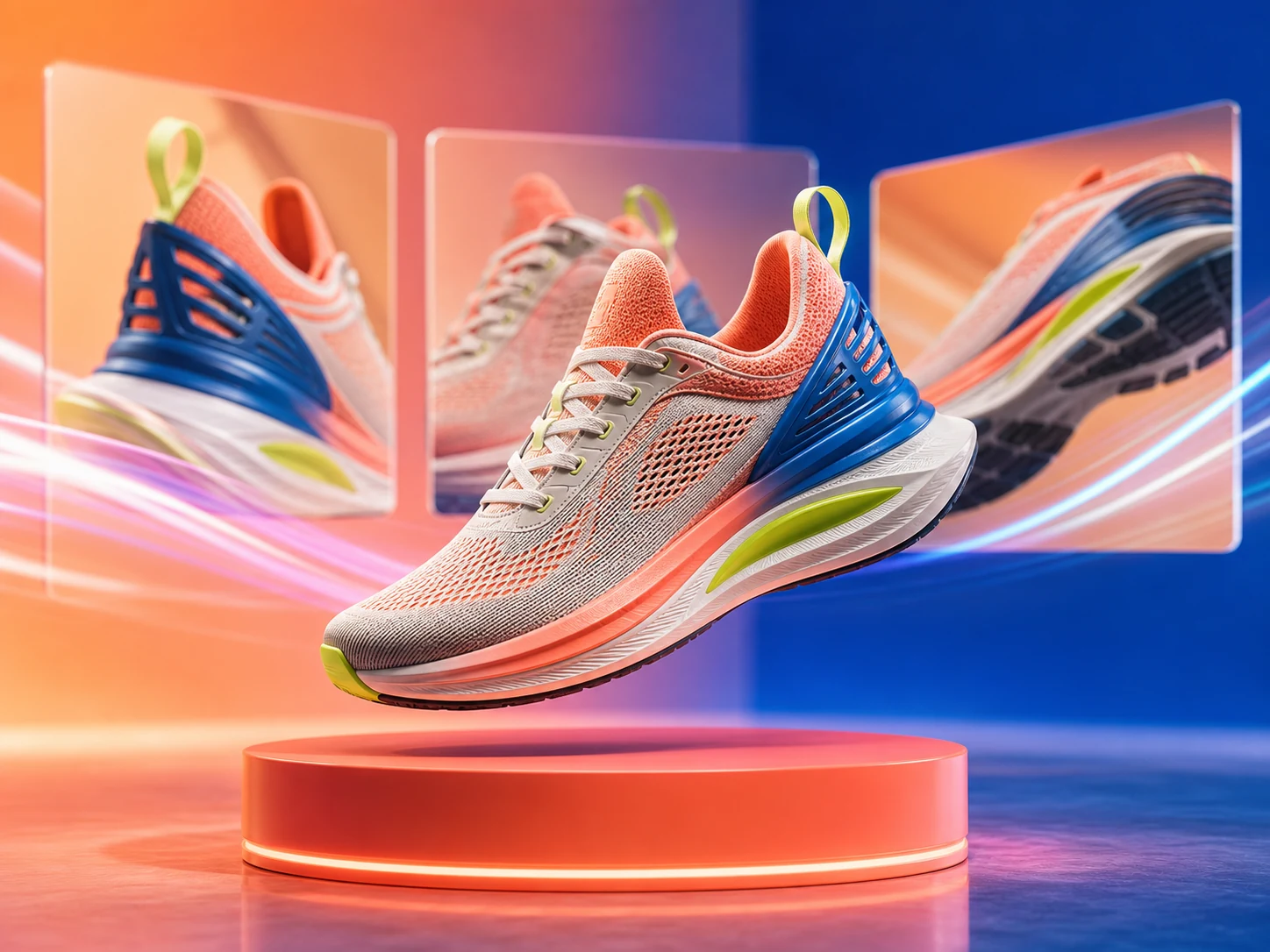
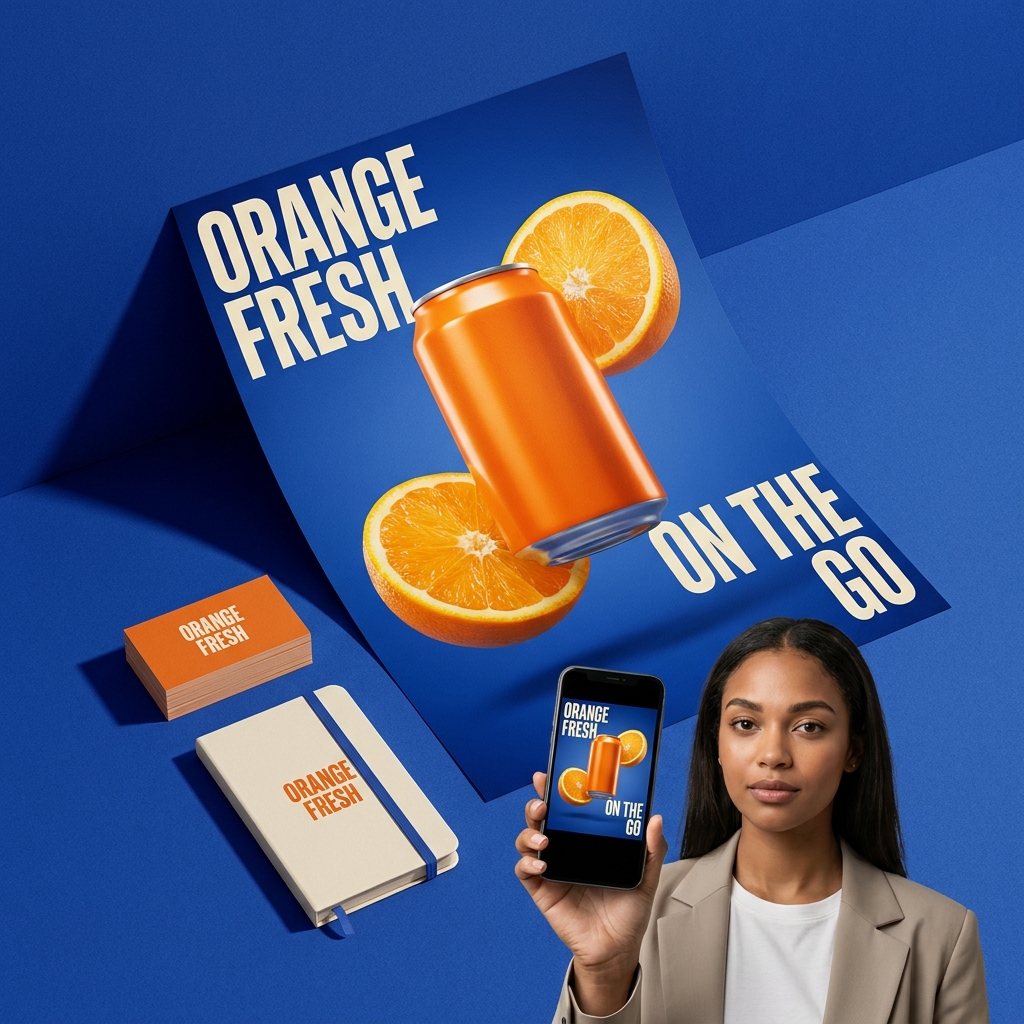
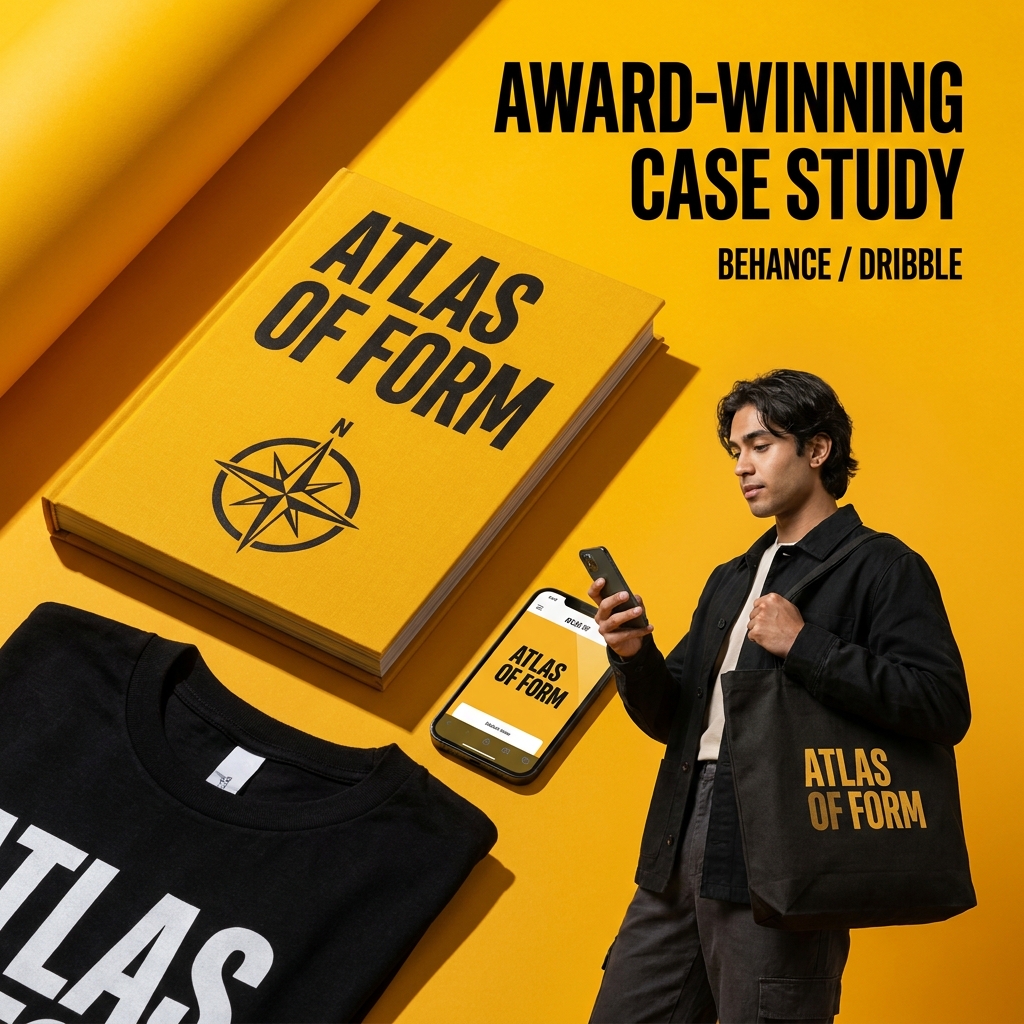
Photoreal product mockups from a single reference — apparel, packaging, print, and more.
Cinematic video clips and product animations. Direct the camera, lighting, and motion.
Performance-ready ad creative across formats, aspect ratios, and languages in one click.
Authentic creator-style videos and stills. Spin up user-generated content in minutes, not weeks.
Print-ready flyers, posters, and promo sheets with typography systems that hold up.
High-fidelity image generation with style, composition, and color controls built in.
Change backgrounds, swap objects, fix details. Pixel-level AI edits without the learning curve.
Hair-accurate cutouts in a tap. Batch process assets and export with transparency.
Feature highlights
Transform product photos, artwork, packaging, apparel, and print assets into studio-grade mockups with composed lighting, clean staging, and export-ready framing.
Upload a product reference, then direct the scene, surface, crop, and mood from one focused workspace.
Start a mockup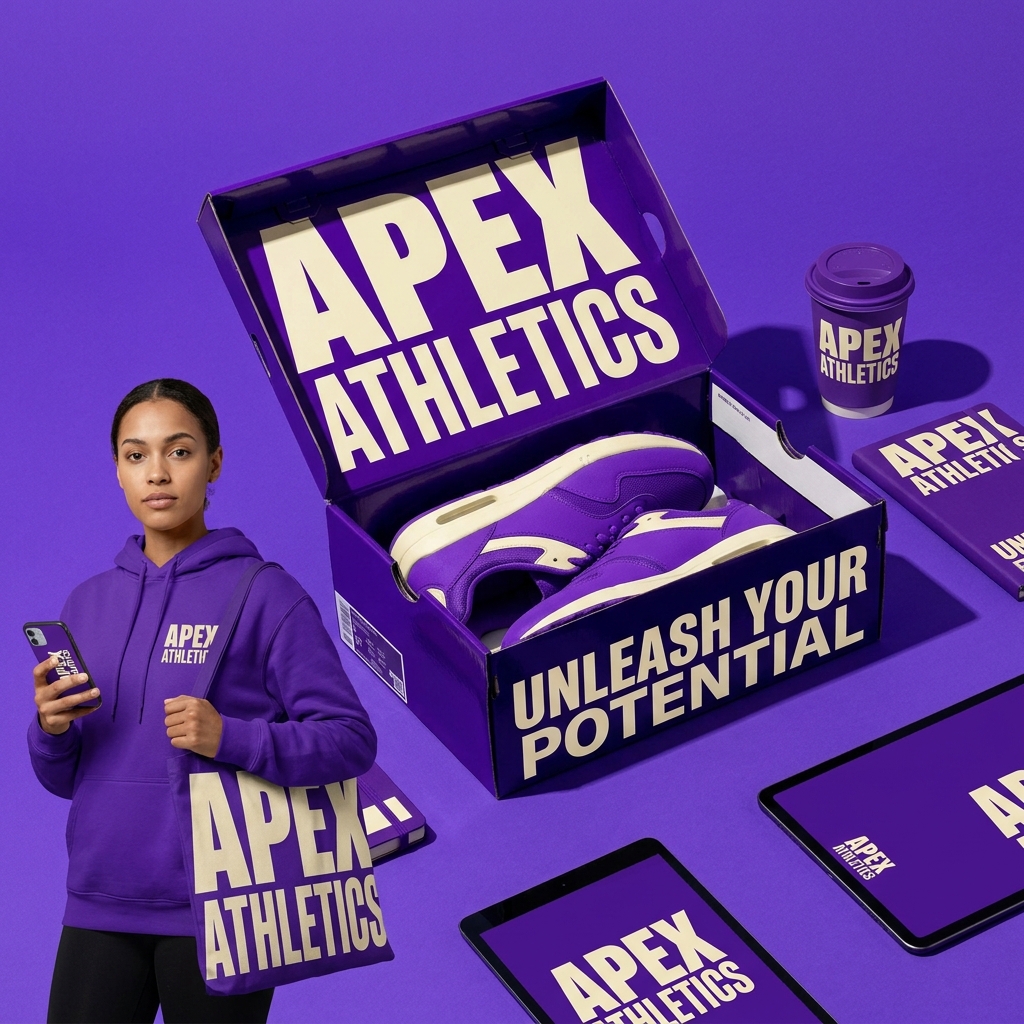
Upload a product reference, then direct the scene, surface, crop, and mood from one focused workspace.
becomes a polished product set
The stack
Scroll through what makes Mockingbird feel cohesive — each studio plugs into the same shared system.
Generate once, reuse everywhere. Every output flows into your shared brand library — palette, typography, and voice stay locked across every studio.
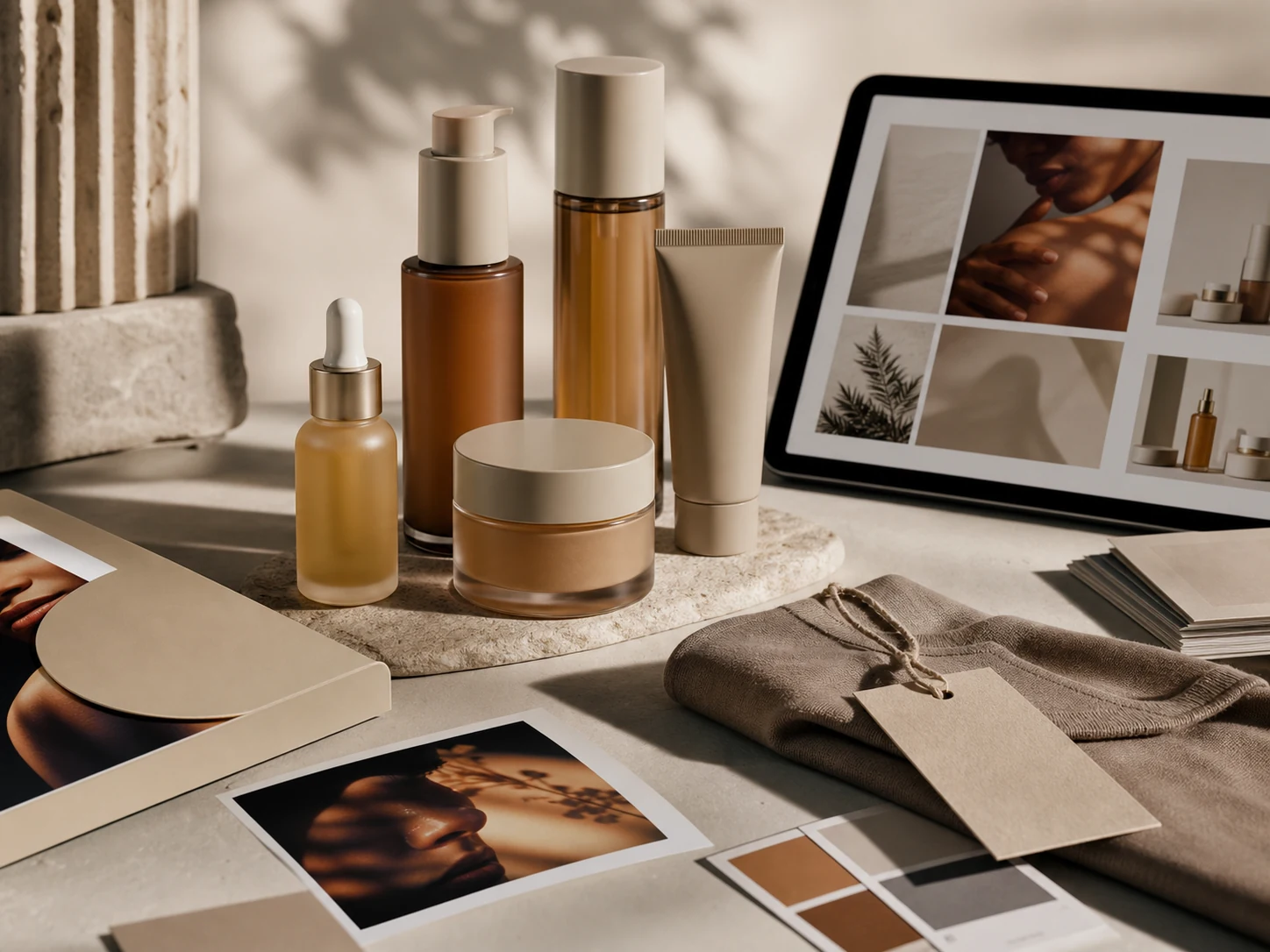
Export the same creative across every ad size, social aspect, and print format. Mockingbird resizes, reframes, and restyles without quality loss.

No watermarks, no re-dos, no awkward AI tells. Our models are tuned for the work that ends up in your store, your ad account, and your deck.
How it works
Start with a rough idea, direct the creative like a producer, then export polished product visuals, ads, mockups, and videos without jumping between tools.
Step 01
Upload a product, artwork, or rough idea and turn it into a polished commercial scene with the product kept at the center.
Launch Mockup StudioStep 02
Create product shots, social visuals, ads, and styled imagery with aspect ratio, references, and creative direction built into the workflow.
Explore Image StudioStep 03
Animate the winning direction, refine it through chat, and export assets that are ready for stores, launches, client reviews, and campaigns.
Open Video Studio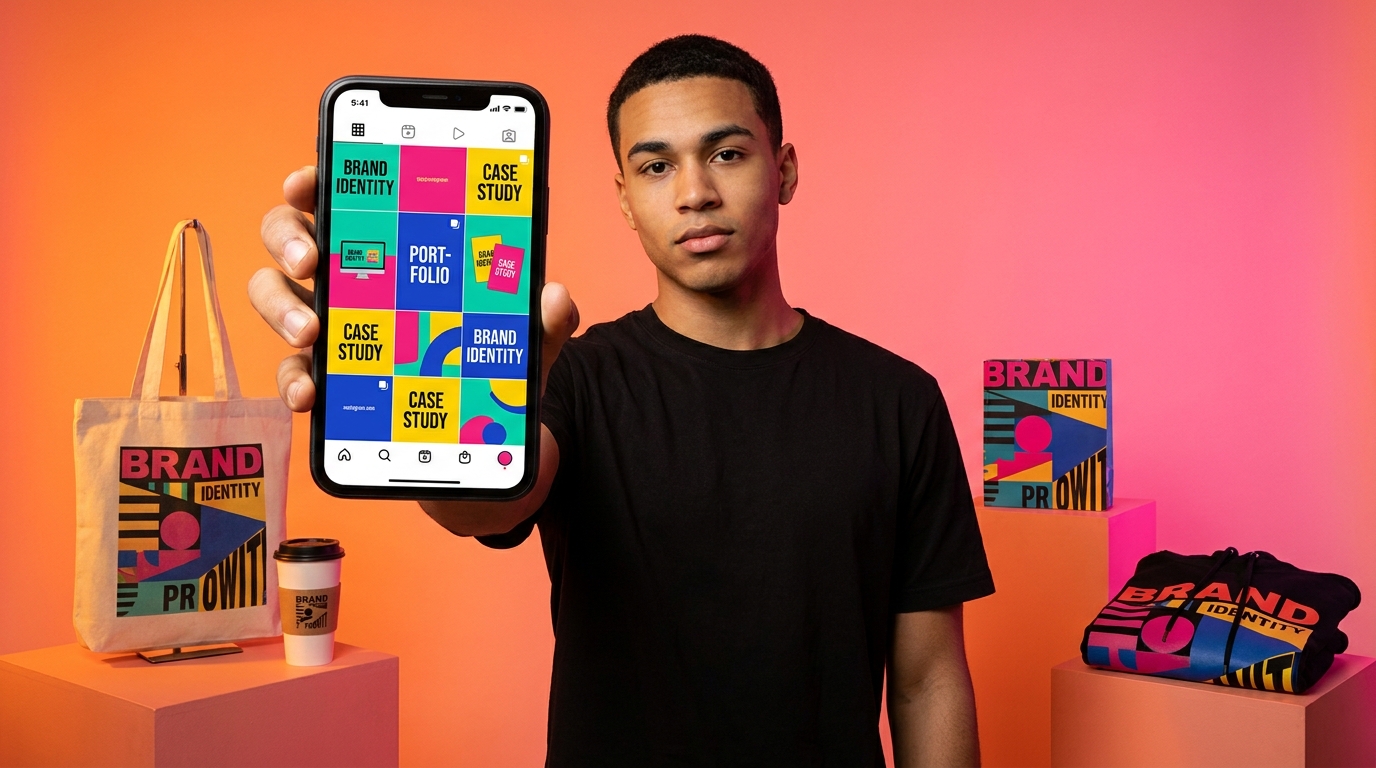
Why Mockingbird
Every decision in Mockingbird — from model selection to export pipeline — is optimized for the output that actually ends up in your store, your ad account, or your deck.
4.9 average rating · 12,000+ creators
Move from idea to product visual, mockup, ad, edit, or video without switching between disconnected tools.
Create assets for storefronts, launch pages, social campaigns, product listings, and brand presentations.
Keep prompts, references, credits, outputs, and assets connected across the V2 workspaces.
Mockups, image generation, ads, video, smart edits, and assets stay organized around the work users actually create.
Teams shipping with Mockingbird
“Mockingbird helps us create product mockups faster without booking a shoot for every early concept.”
“The campaign workflow makes it easier to test ad directions while keeping the product and offer clear.”
“Smart Edit gives our team a cleaner way to refine hero visuals after generation.”
Showcase
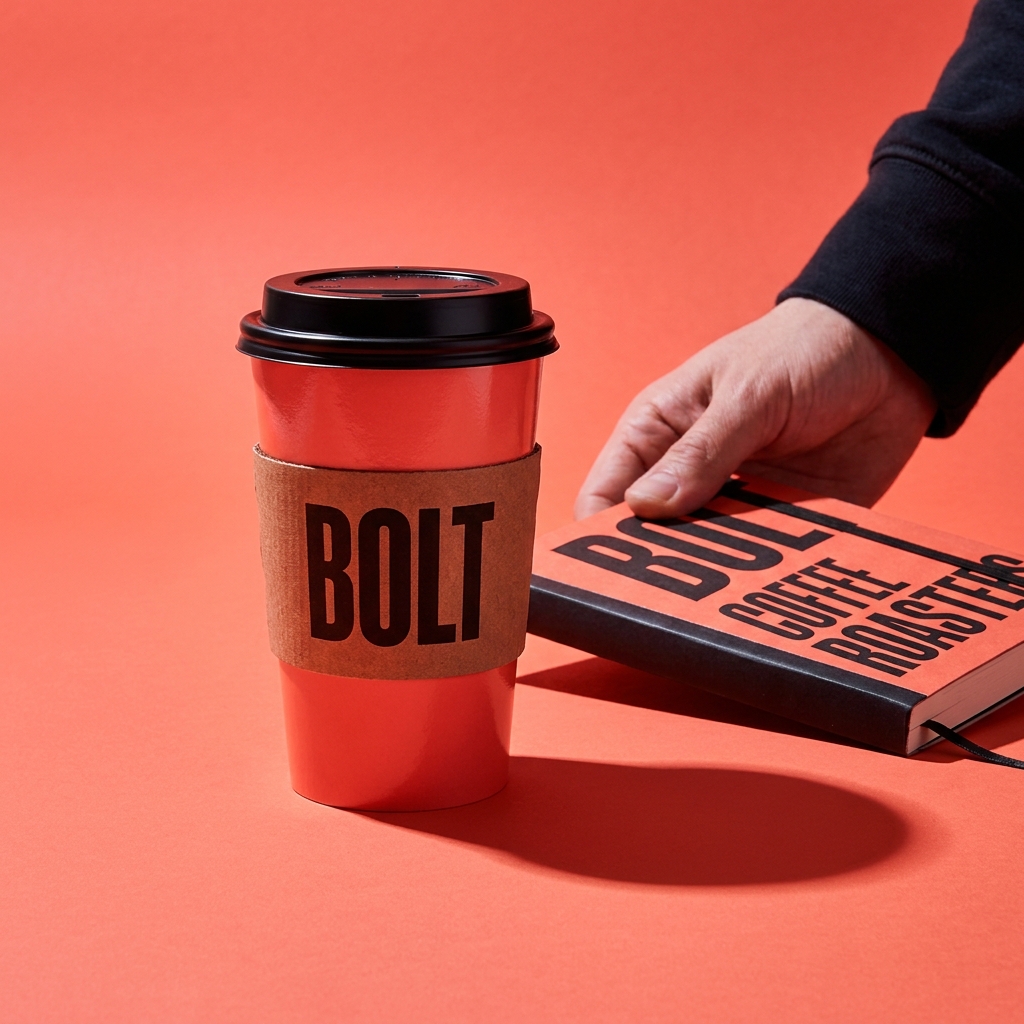
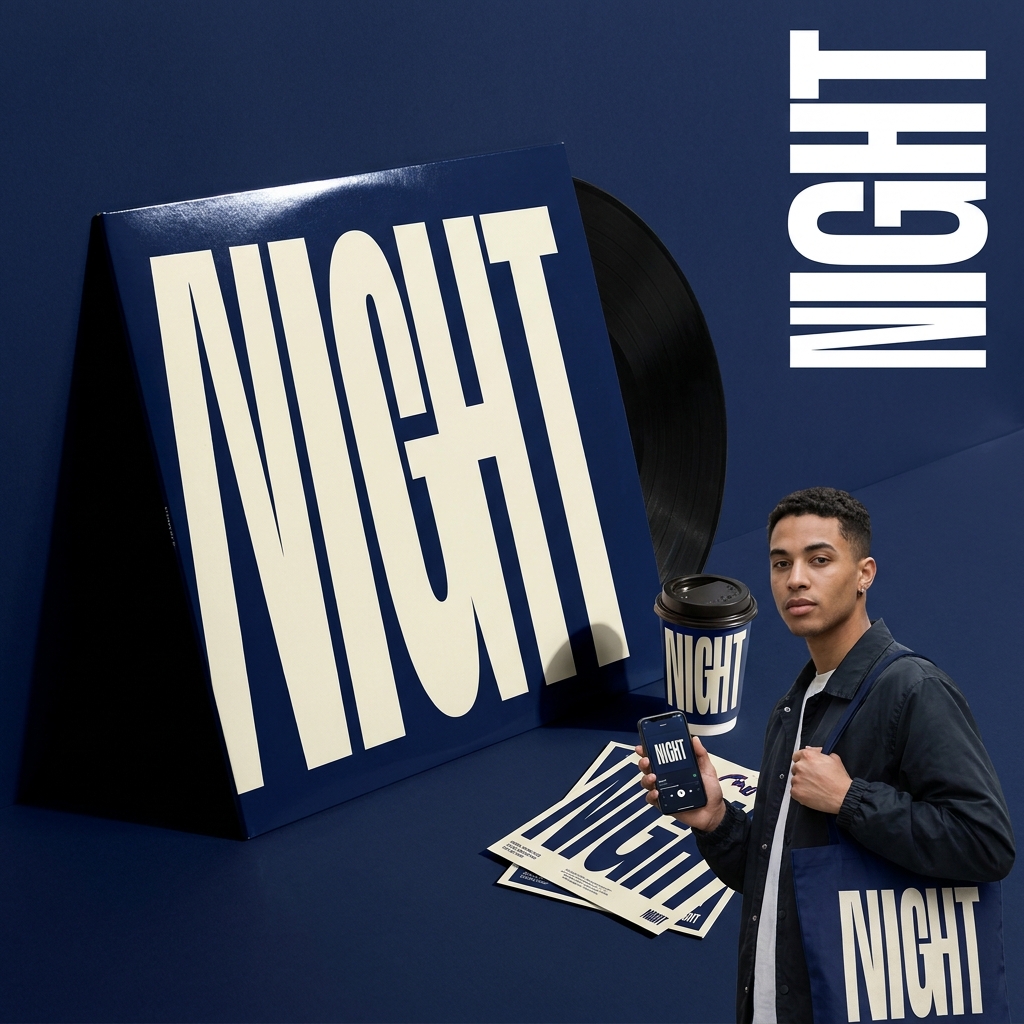
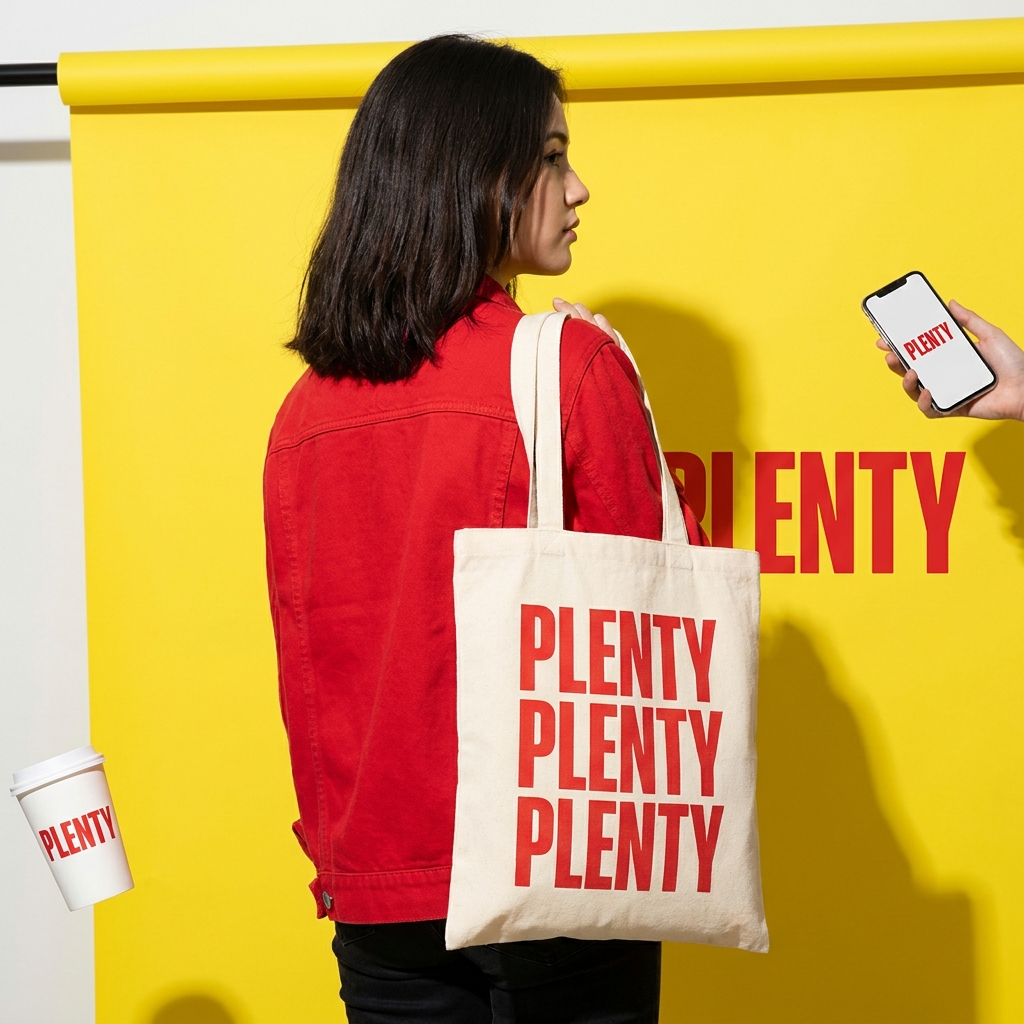
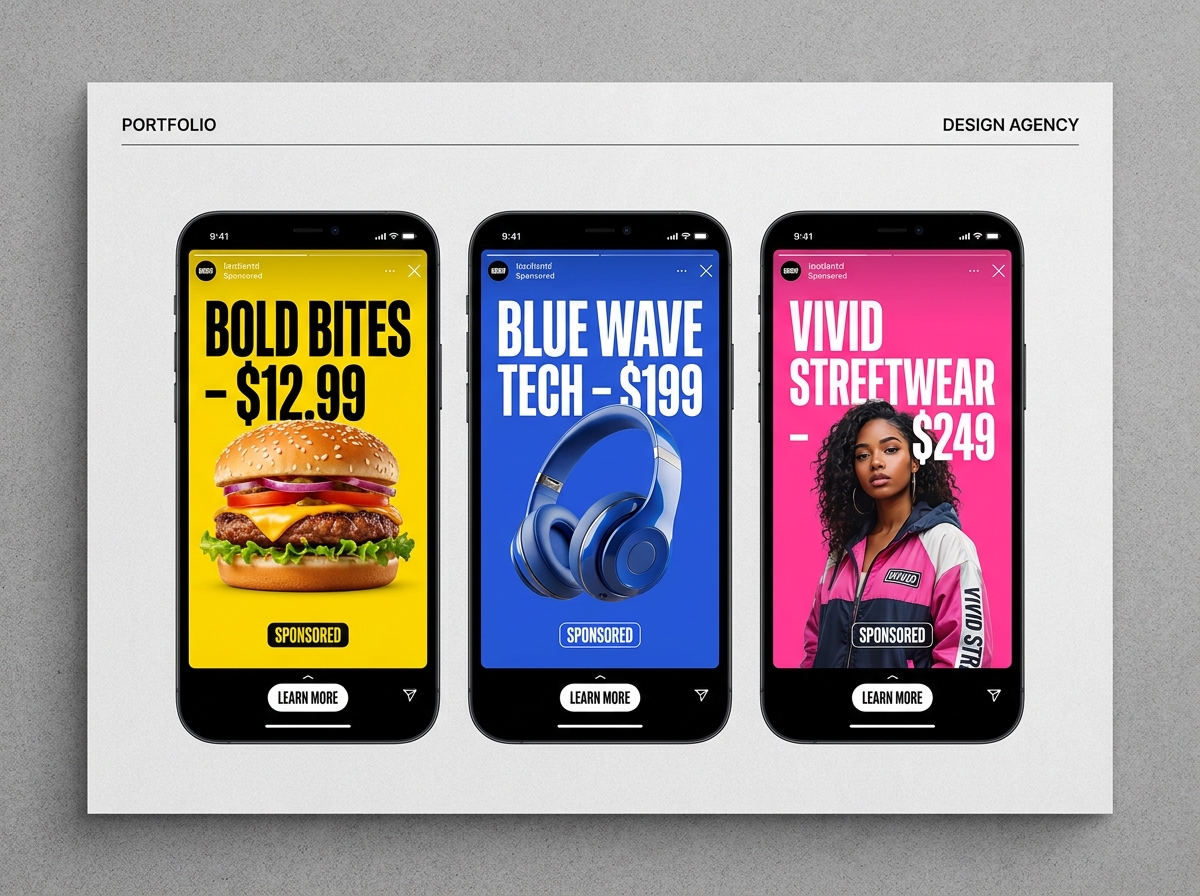
Pricing
Start free. Upgrade when you need more credits, higher quality, or video generation.
Try image and mockup generation before upgrading.
No credit card required
5 credits to start
For creators who need consistent image and mockup output.
$190 billed annually
500 credits / month
250 annual bonus credits
For creators adding video, higher quality, and more iterations.
$490 billed annually
2,500 credits / month
1,000 annual bonus credits
For brands and studios producing campaigns regularly.
$990 billed annually
7,500 credits / month
3,000 annual bonus credits
Need something bigger? Talk to our enterprise team.
Frequently asked
Mockingbird is organized around focused creative workspaces: mockups, images, ads, video, smart edits, assets, and design. Each workspace gives the AI clearer context so users get more useful output than a generic prompt box.
Yes. You can use the outputs you create for commercial projects, product listings, ads, social campaigns, and client work, subject to our Terms of Service and any rights in the materials you upload.
Credits scale with output type, quality, and duration. The free account starts with 5 credits. Paid plans include monthly credits based on the plan: Starter, Creator, or Studio.
No. Your uploads, prompts, and outputs are private by default and never used to train our models. Enterprise customers can enable zero-retention mode.
For larger teams, contact us about custom credits, workflow needs, billing support, and production requirements.
Yes. You can cancel self-serve subscriptions to stop future renewals. Cancellation does not automatically refund previous charges or credits already provided.
Can't find what you're looking for? Visit the help center or contact us.
Start free with 5 credits. No credit card required. Upgrade when you need more output, higher quality, and video generation.