

What it does
Every control brand studio creators actually need.
Palette systems
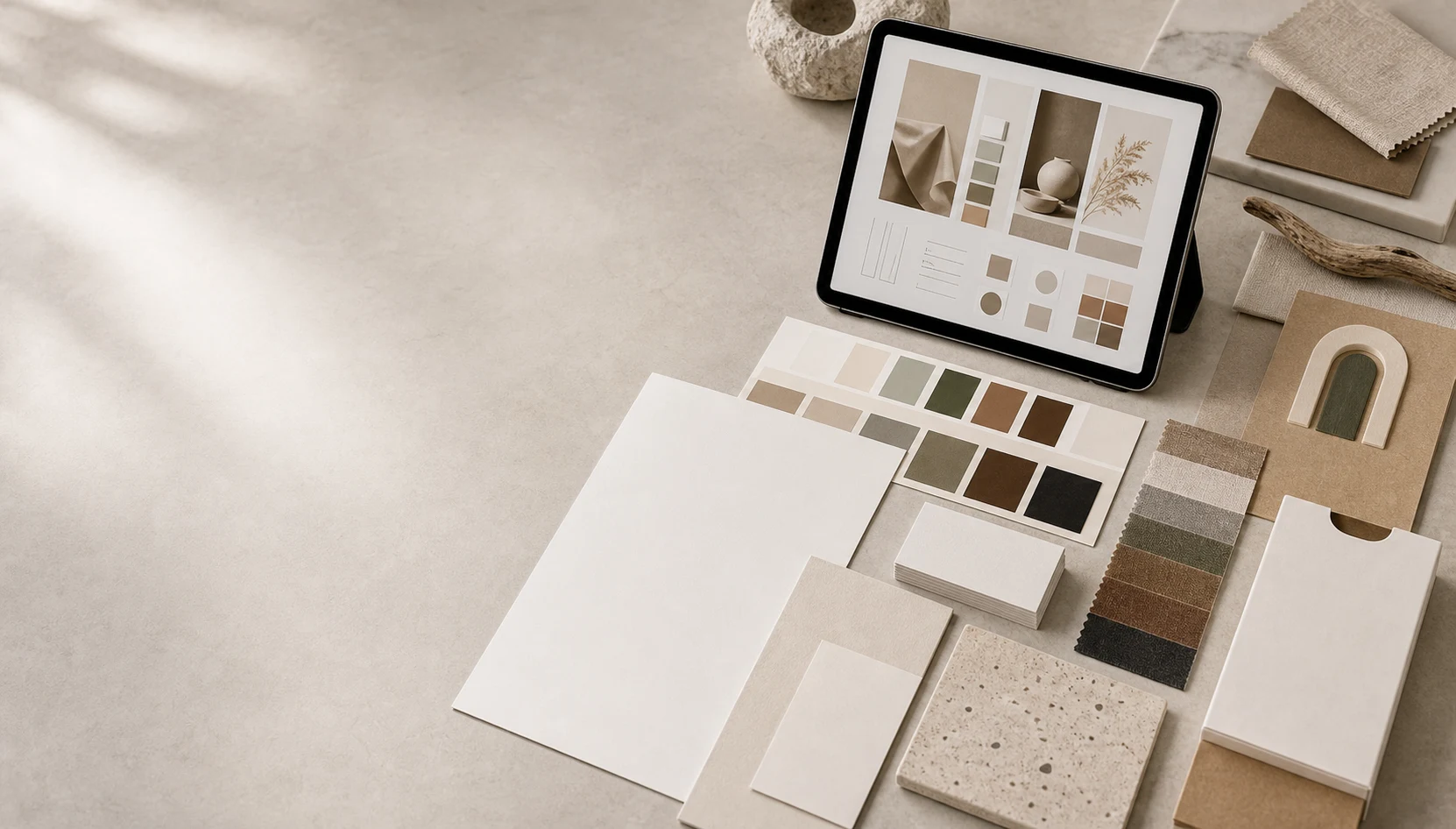
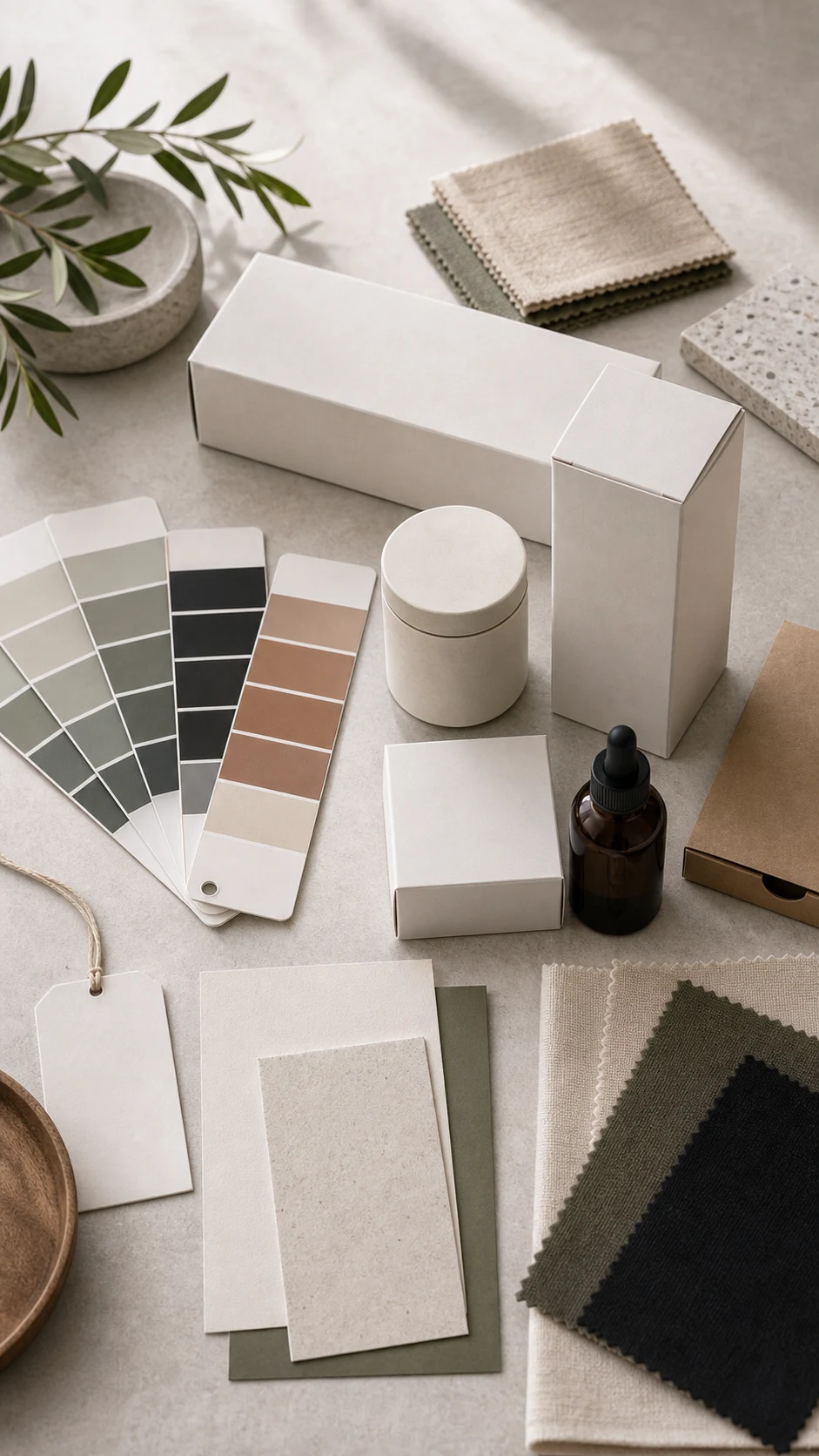
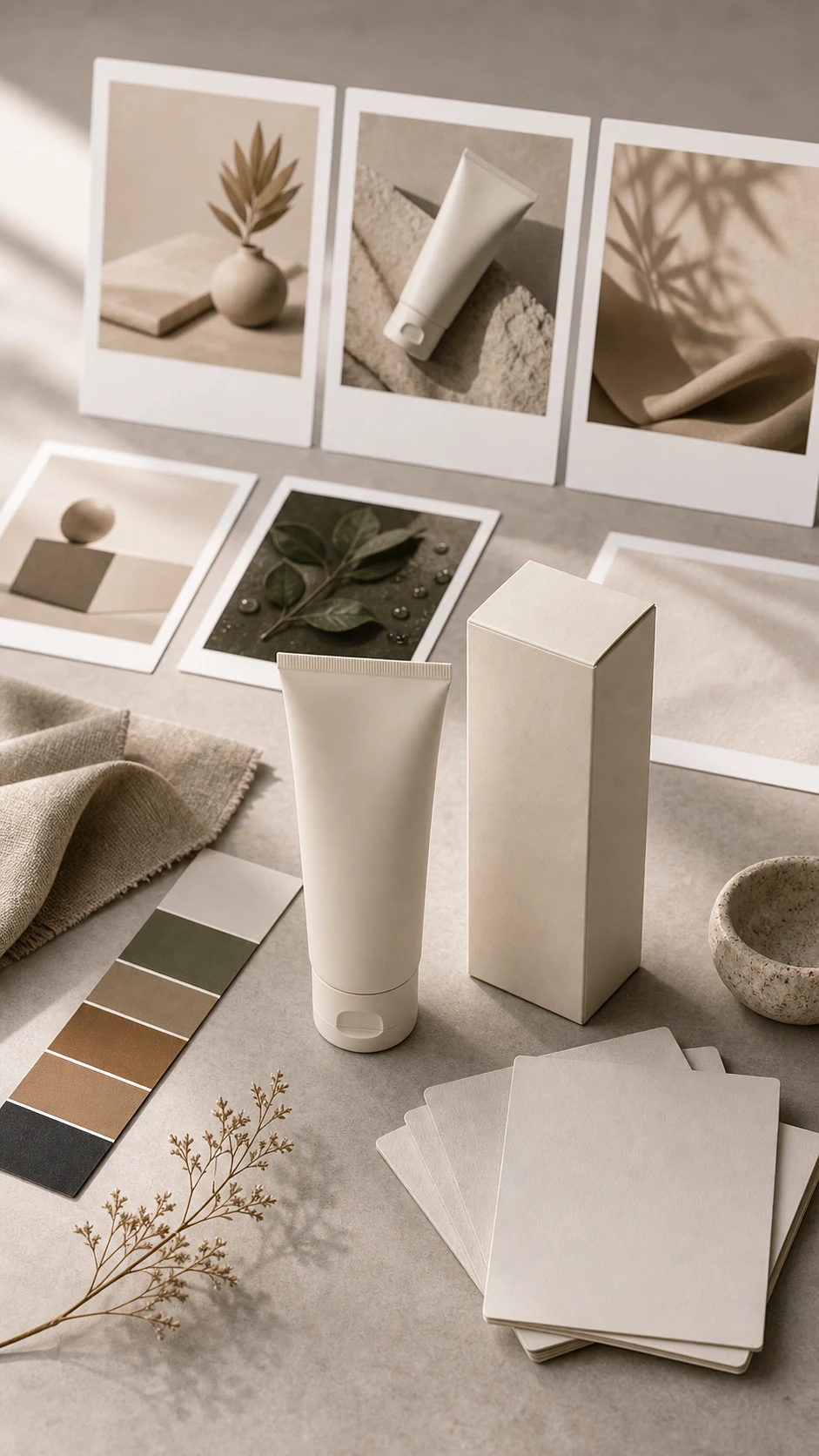
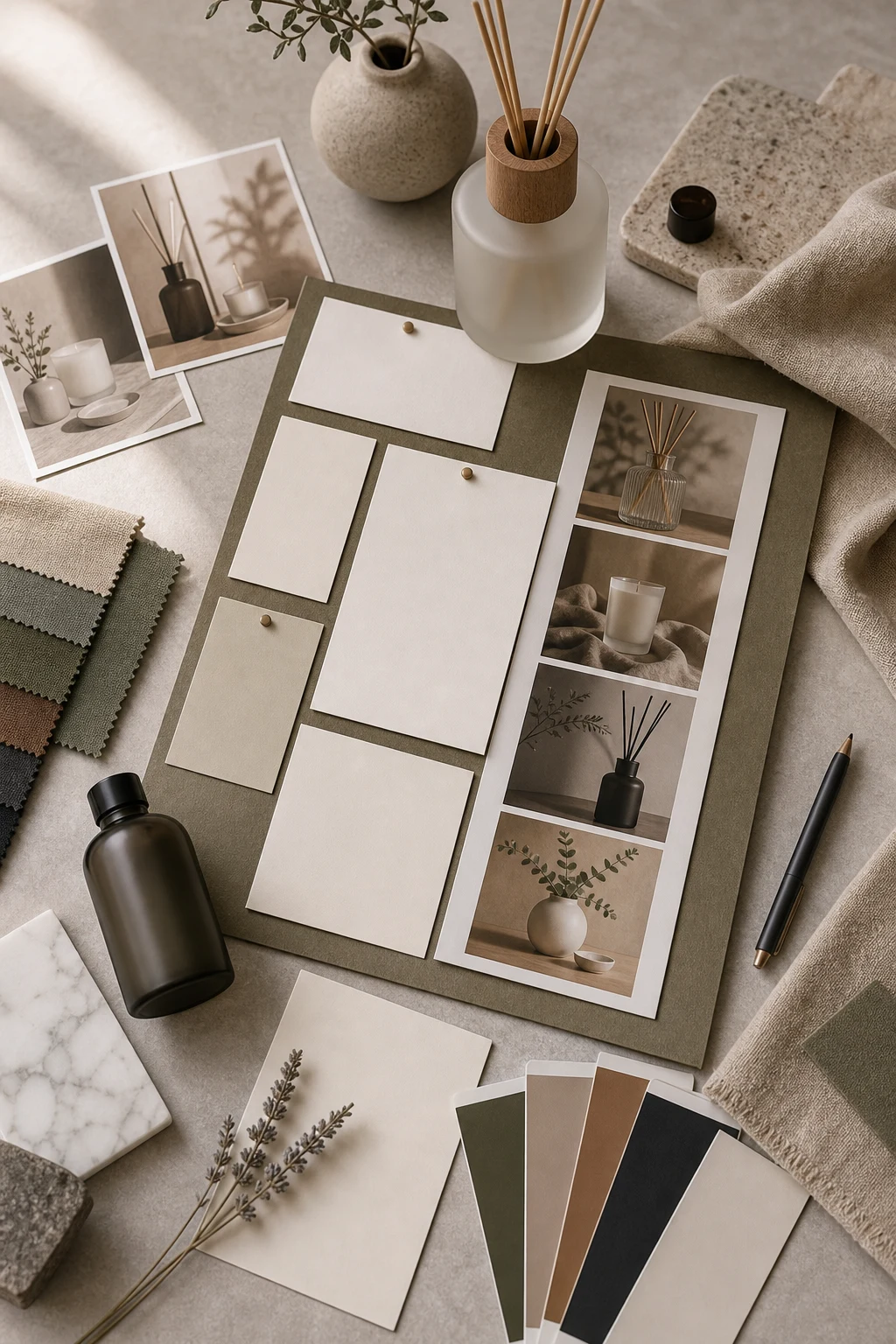
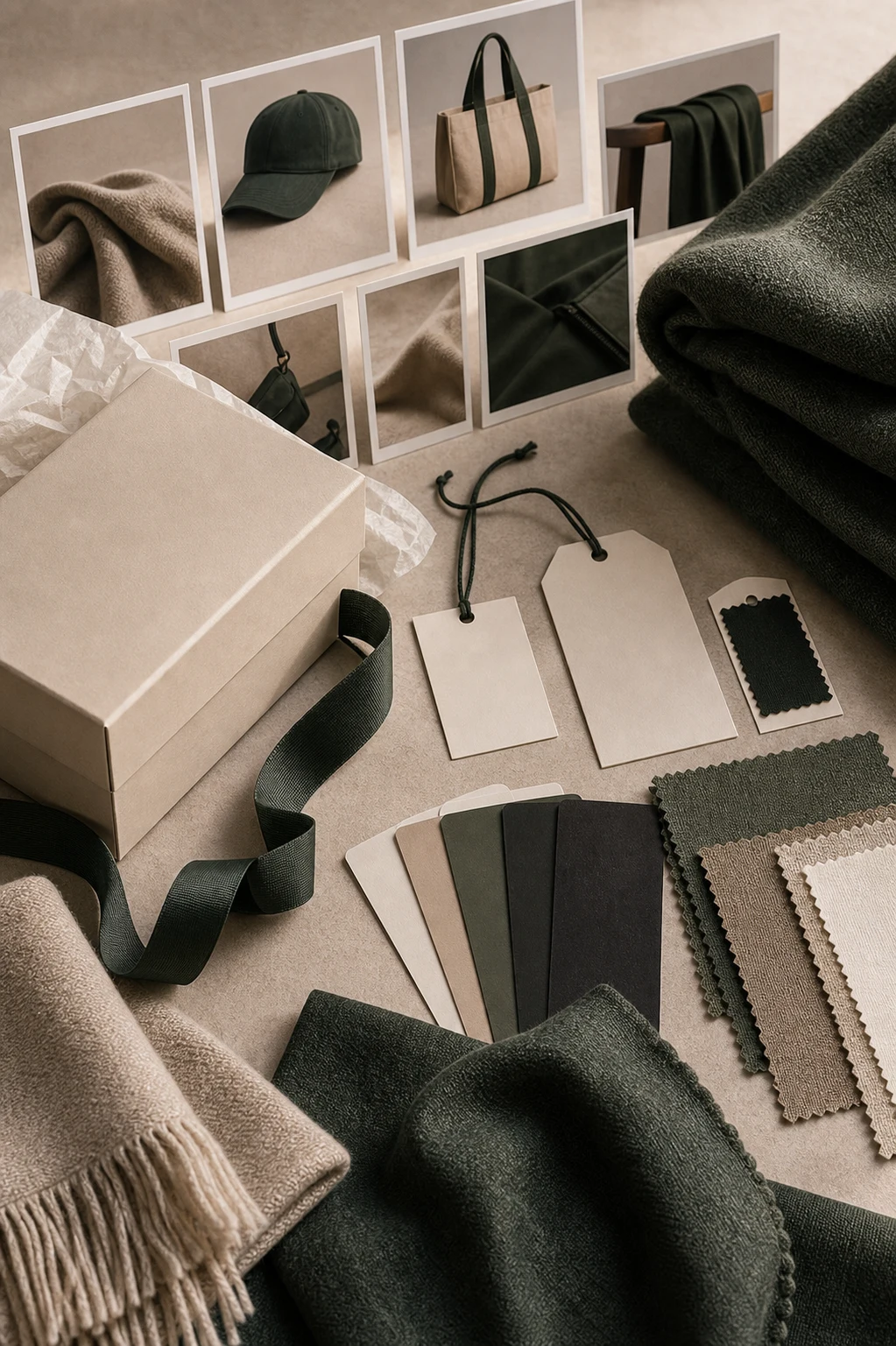
Create primary, secondary, neutral, and accent color direction tied to the brand mood.
Typography mood
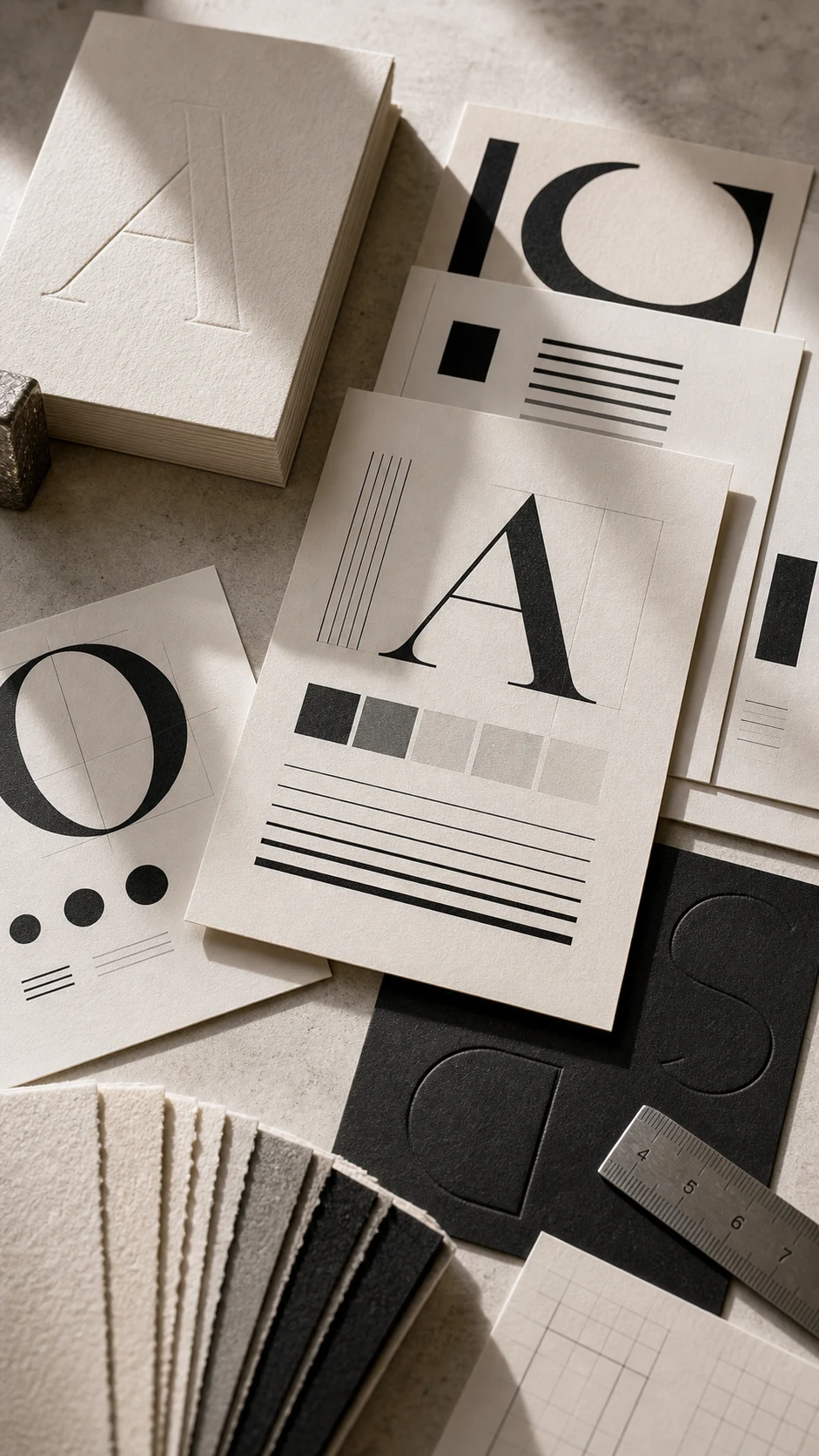
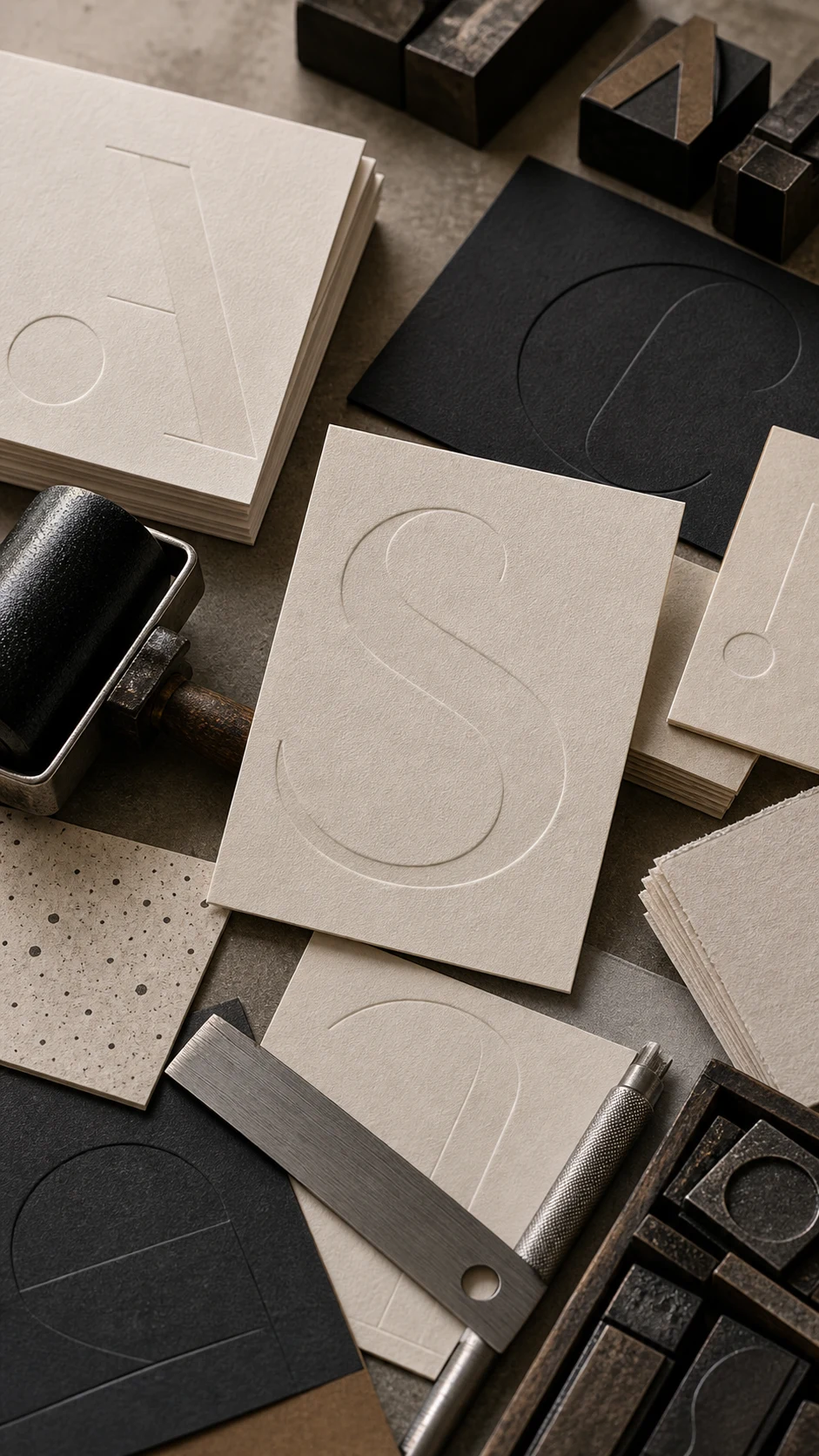
Define type personality, hierarchy, spacing, and readability guidance for creative outputs.
Visual language
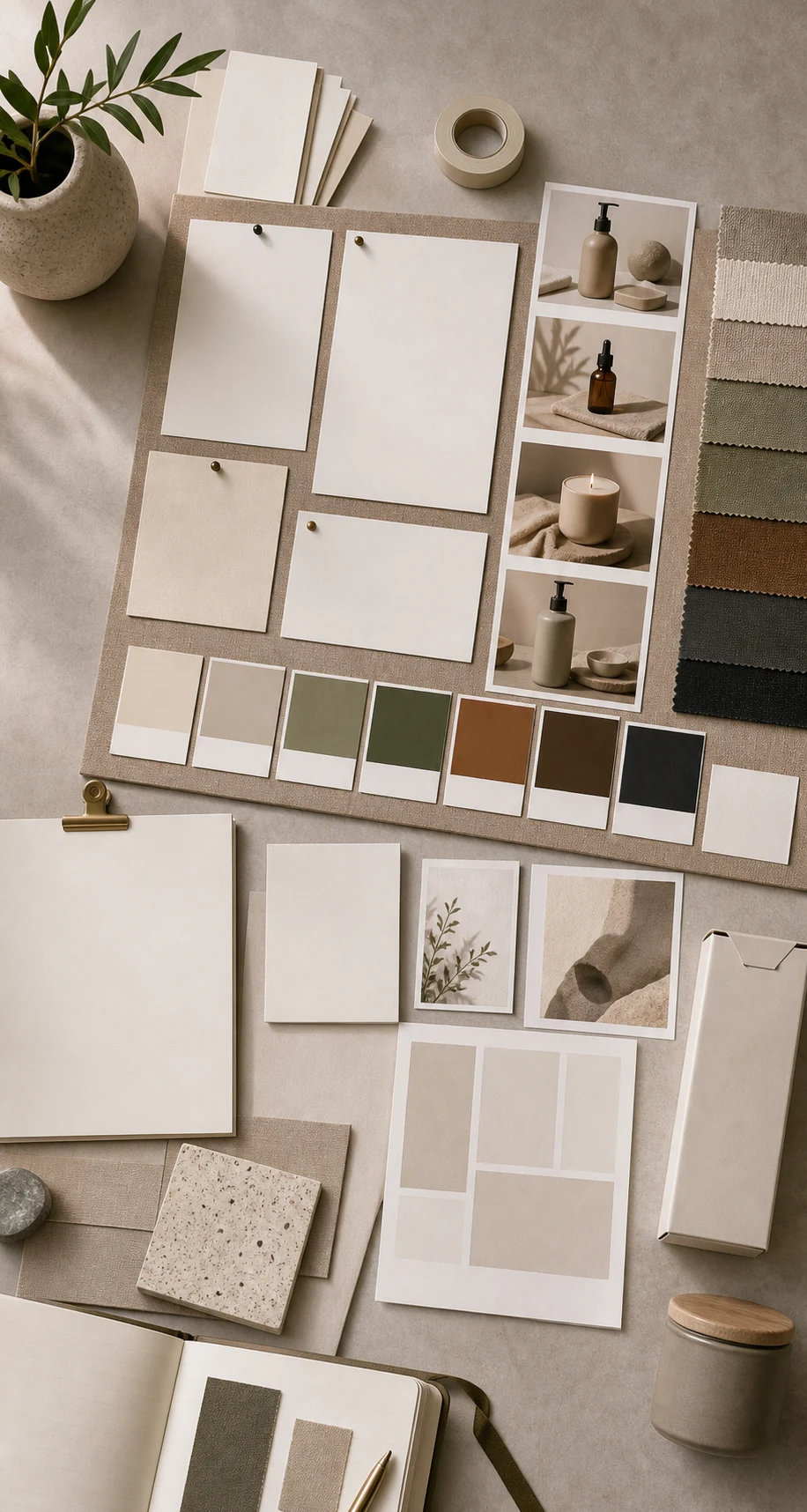
Set image style, texture, lighting, composition, and campaign tone before generating assets.
Identity direction
Capture early mark, wordmark, lockup, and usage direction for identity exploration.
Reusable rules
Turn brand preferences into practical rules that can guide mockups, ads, flyers, and social visuals.
Creative brief
Summarize audience, promise, voice, do-not-use rules, and must-keep details in one place.
Consistency checks
Review whether a concept feels aligned before sending it into production workspaces.
Studio handoff
Move from brand direction into Design, Ads, Image, or Mockup Studio with clearer creative intent.
How it works
From idea to asset in three steps.
Describe the brand
Share the name, product, audience, tone, references, and what the brand should never feel like.
Build the system
Shape palette, typography, imagery, layout, and voice rules into a practical brand direction.
Create with context
Use the brand direction as the foundation for design, ads, mockups, image, and UGC assets.
Gallery
A taste of the output.

FAQ
Good questions about Brand Studio.
Is Brand Studio a full brand guideline generator?▾
It is a launch-focused brand direction workspace. It helps shape palette, type mood, visual rules, and creative guidance before you create assets.
Does it create trademark-ready logos?▾
No. Brand Studio shapes identity direction, palette, type mood, and usage guidance. Legal clearance and final trademark checks should be handled separately.
Can I use this before Ads or Mockup Studio?▾
Yes. Brand direction works best when it guides the creative brief before generating campaign ads, product mockups, or social visuals.