


What it does
Every control flyer studio creators actually need.
Layout direction
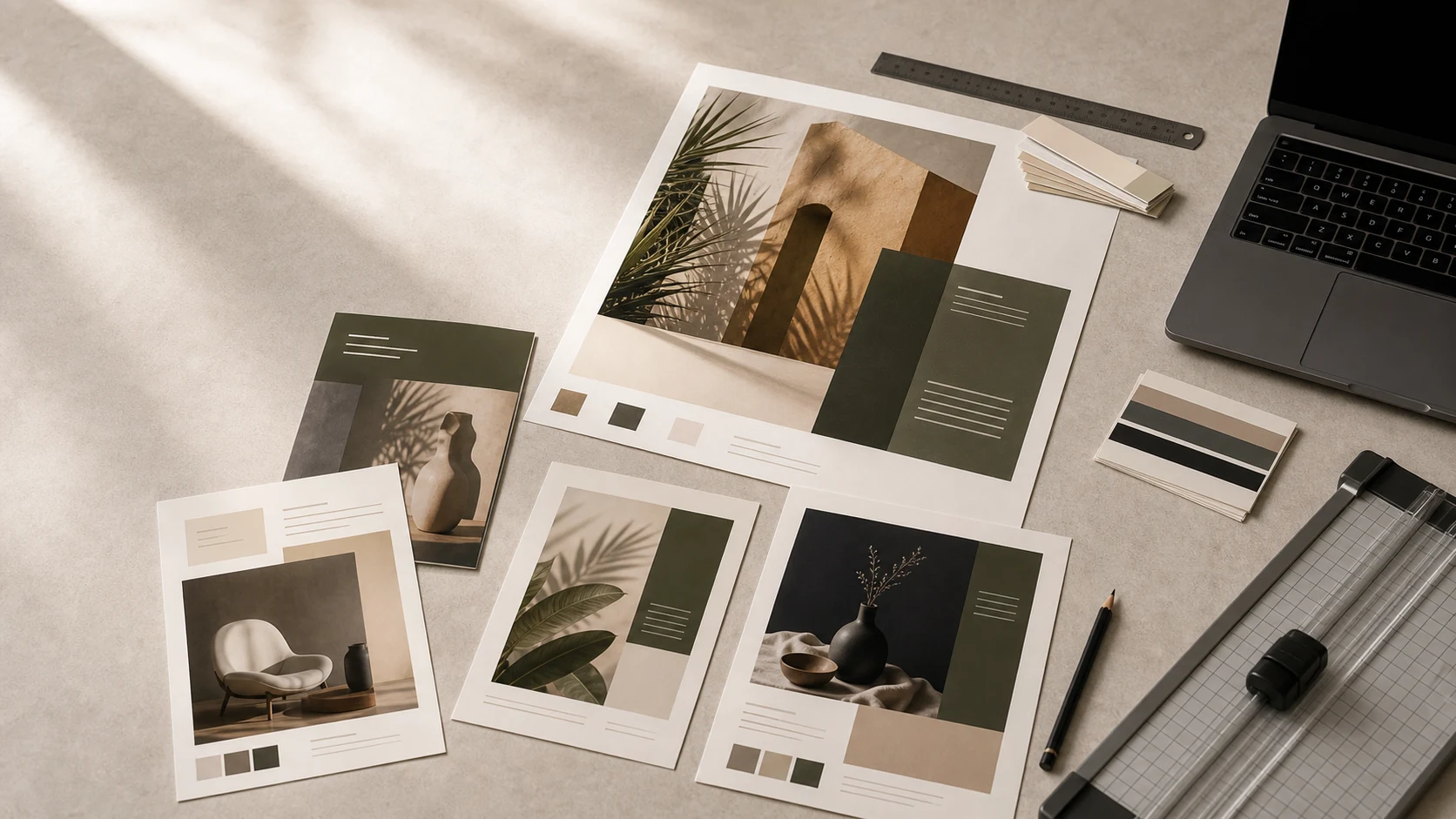
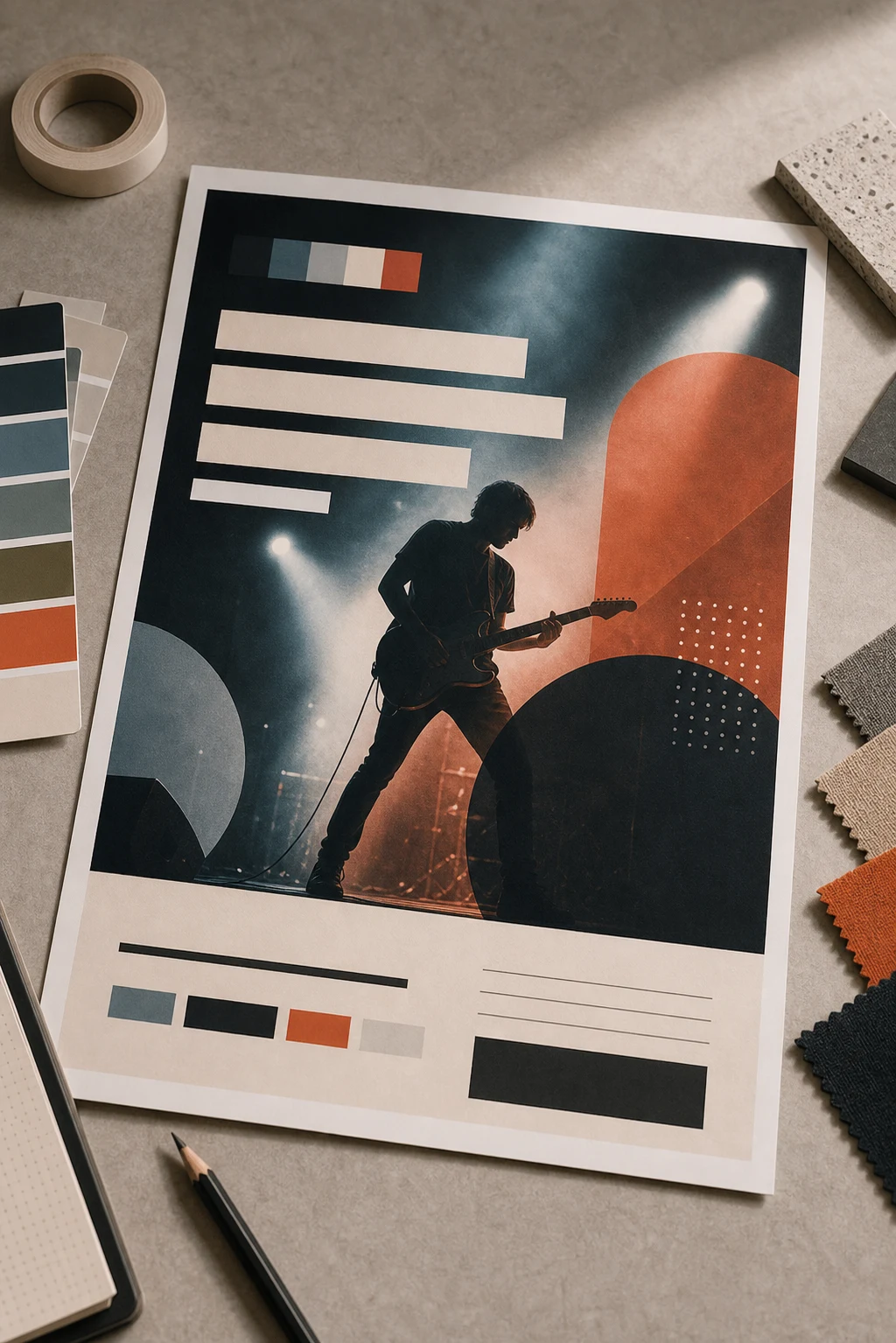
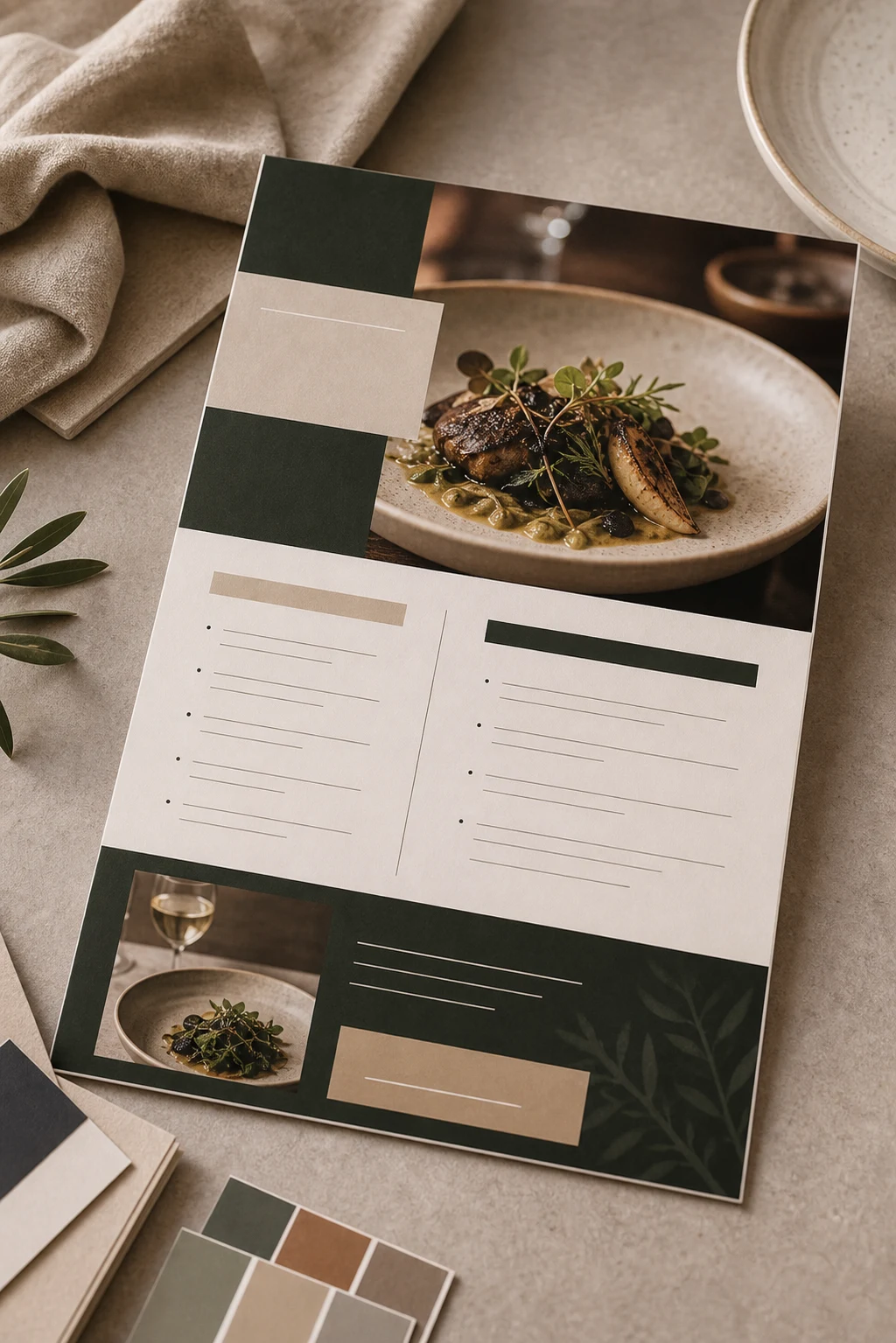
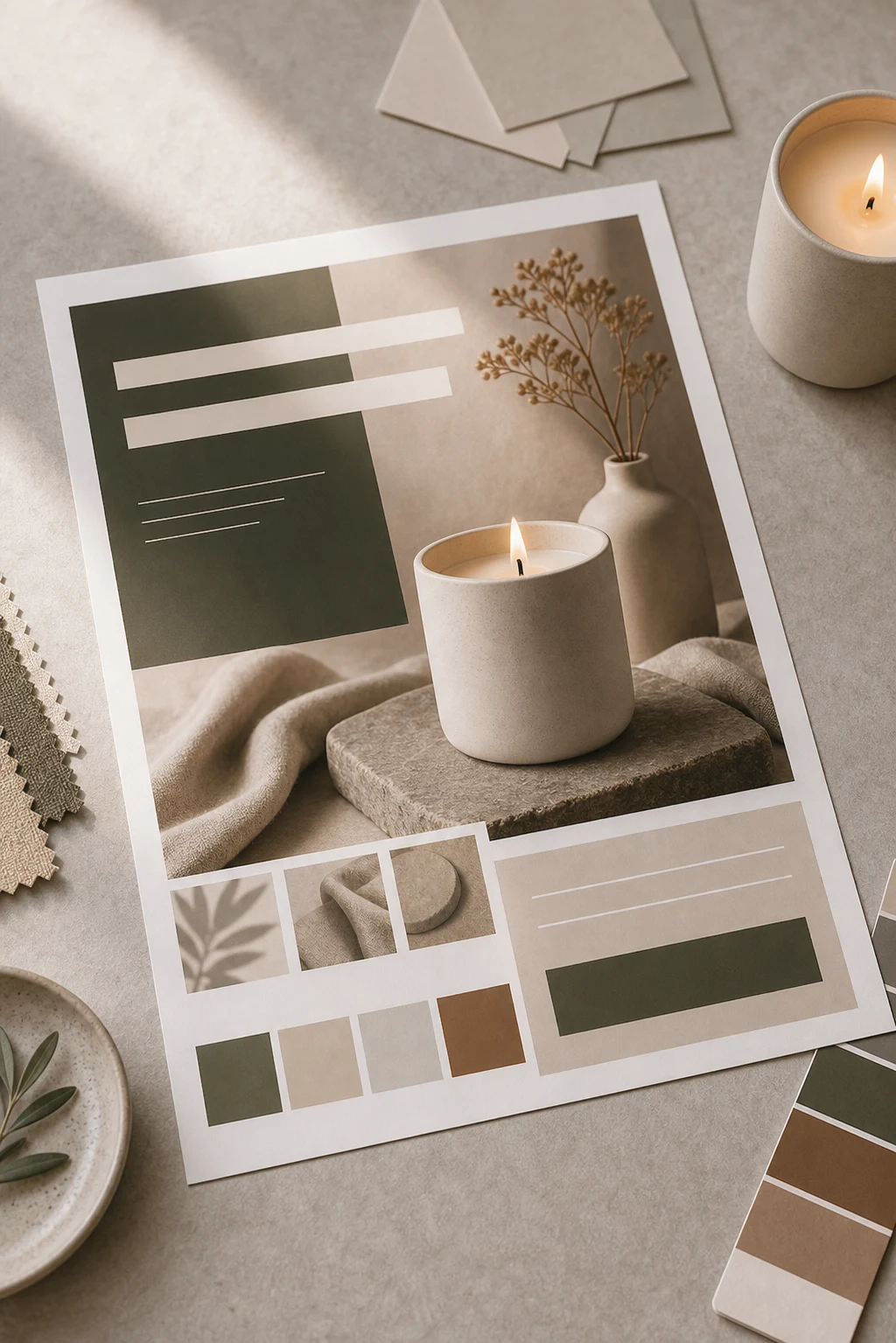
Generate flyer, poster, event, announcement, and promo compositions from a brief.
Type hierarchy
Prioritize headline, supporting copy, date, location, CTA, and sponsor details clearly.
Color systems
Use palette direction to avoid flat default backgrounds and repetitive templates.
Export-friendly
Create high-resolution digital exports and print-friendly layouts where supported.
Standard sizes
A4, A3, A5, US Letter, Tabloid, 11×17 — pick and go. Custom sizes supported.
Image-led designs
Use generated or uploaded imagery as the foundation of the composition.
PNG/JPG/PDF paths
Export in supported formats depending on the document and plan capabilities.
Editable document
Keep layers selectable so users can refine text, images, and layout after generation.
How it works
From idea to asset in three steps.
Brief the design
Tell Mockingbird the event, audience, copy, mood, format, and must-include details.
Generate the layout
Create an image-led editable document with hierarchy, color, and CTA placement.
Refine and export
Adjust selected elements, reorder layers, and export the final design.
Gallery
A taste of the output.
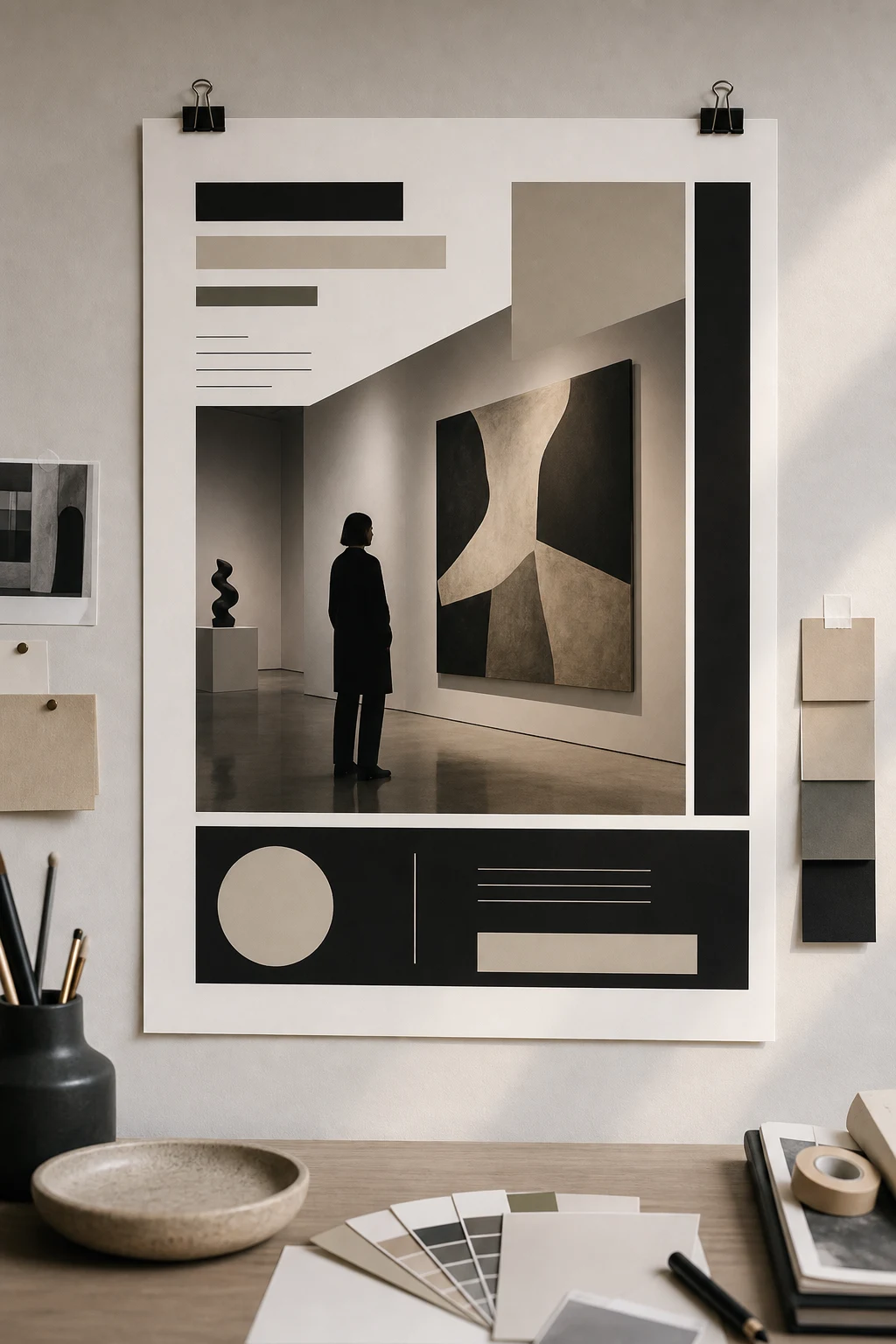
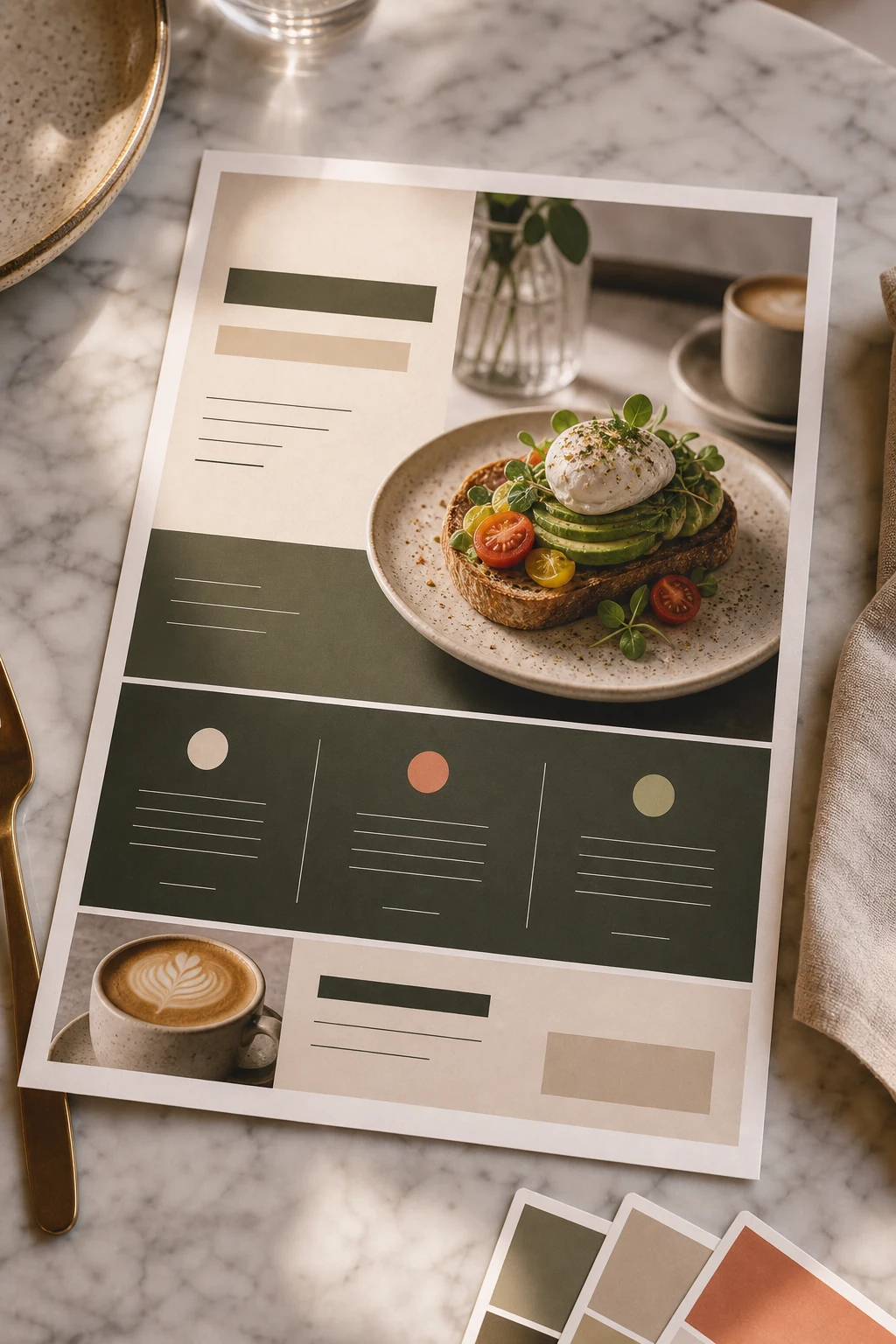

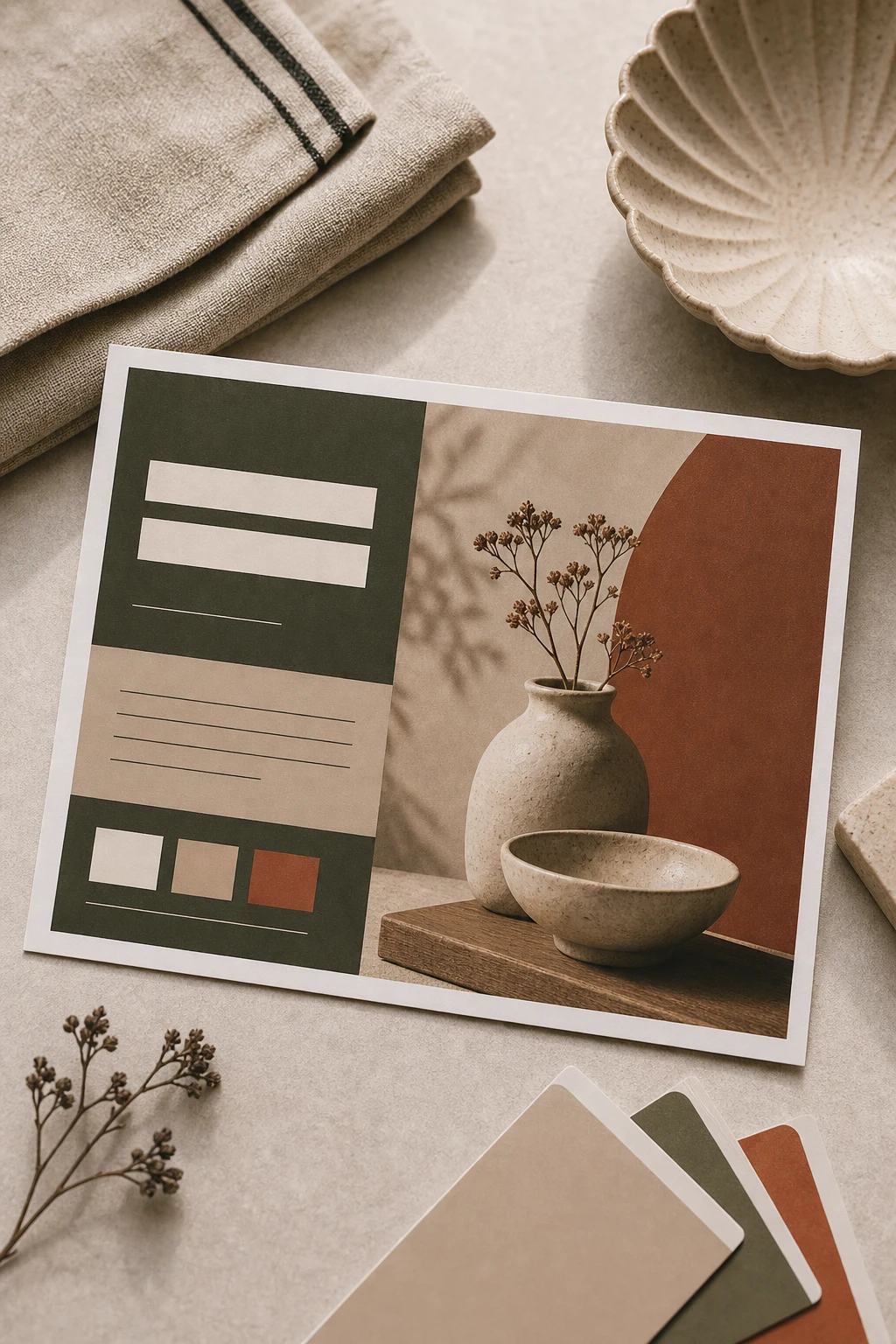
FAQ
Good questions about Flyer Studio.
Is Flyer Studio only for bakery or event flyers?▾
No. It should adapt to the user's brief: events, launches, church programs, nightlife, product promos, posters, and social flyers.
Can I upload my own assets?▾
Yes. Use logos, photos, and references when the design must match a specific brand or event.
Can I edit the result?▾
Yes. Flyer outputs stay editable in Design Studio so text, layers, and imagery can be refined.