



What it does
Every control video studio creators actually need.
Shot direction
Describe camera movement, subject motion, lighting, and mood in one focused brief.
Duration control
Choose supported clip lengths and keep duration metadata attached to each output.
Video concepts
Generate product reveals, social clips, promo concepts, and motion-ready scene tests.
Reference to video
Use images or product references when the motion should stay grounded to a source.
Audio-aware options
Use native audio where the selected provider supports it.
Refinement loop
Ask for a calmer camera, stronger product focus, or a new motion direction.
Exportable clips
Save generated video outputs and reopen them from history or Assets.
Social ratios
Create vertical, square, and landscape versions for common campaign placements.
How it works
From idea to asset in three steps.
Describe the shot
Start from a prompt, a reference, or a template. Mockingbird understands intent.
Direct the motion
Set camera movement, duration, aspect ratio, and whether audio should be generated.
Save the clip
Download the result or keep refining from the same conversation context.
Gallery
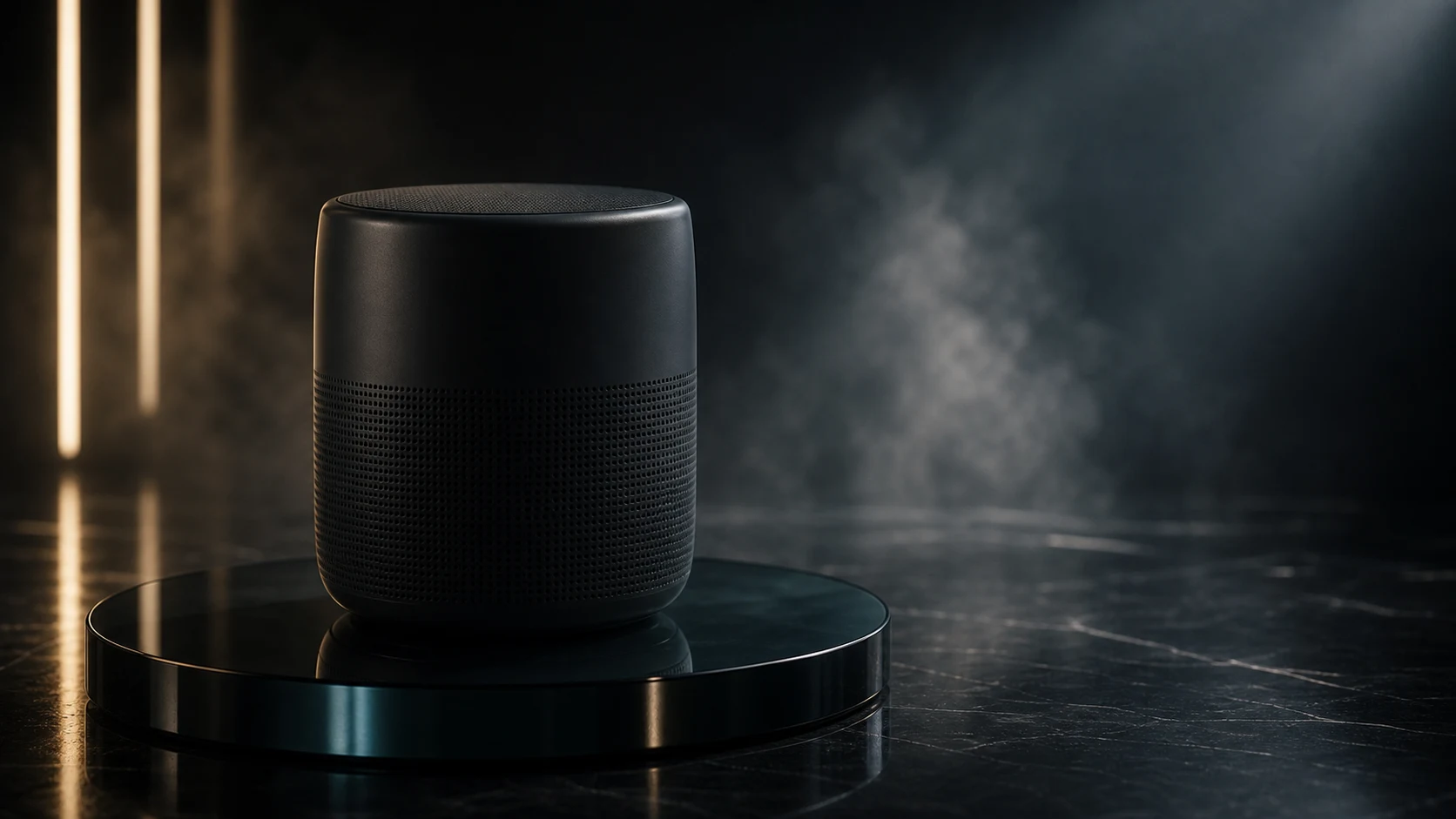
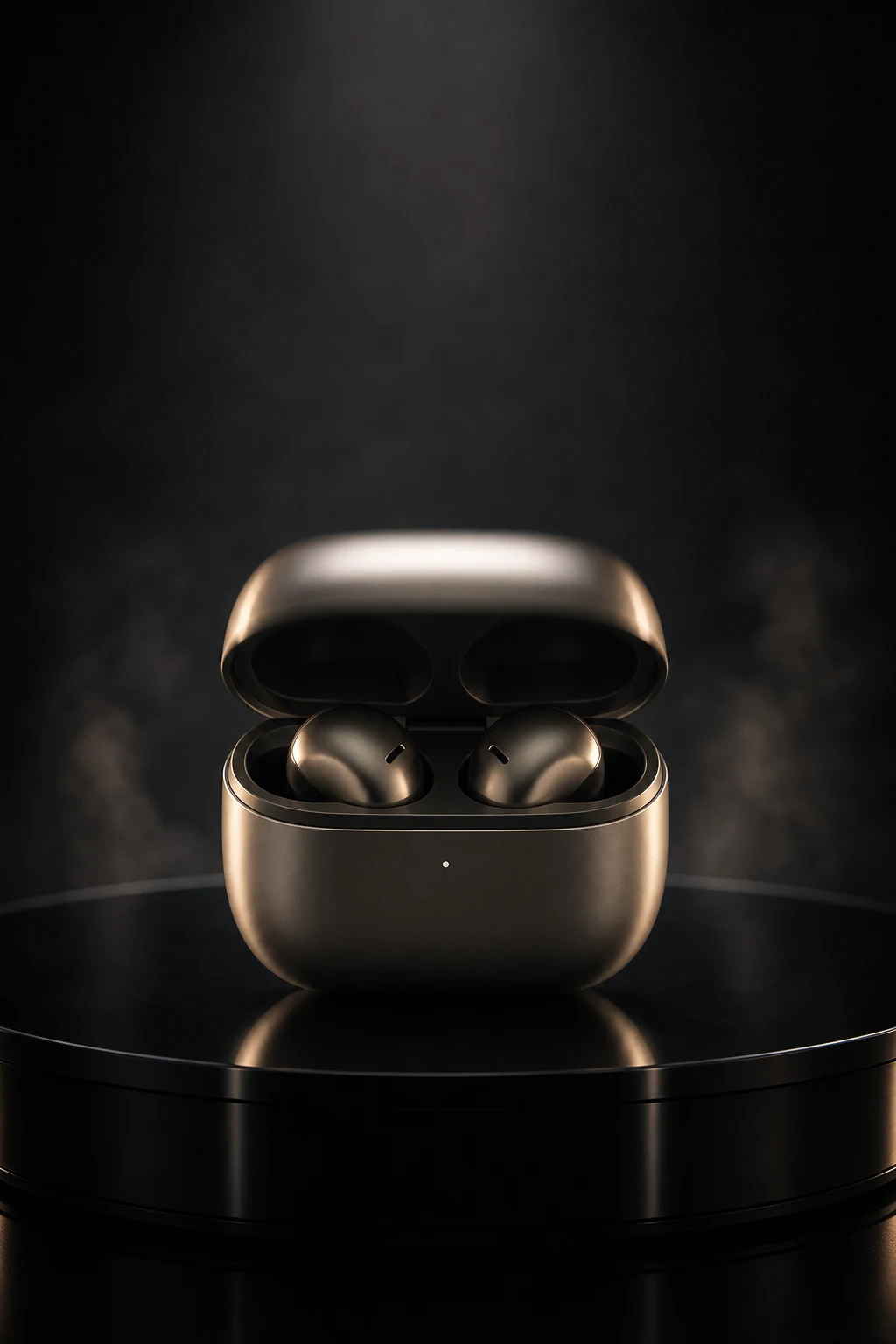
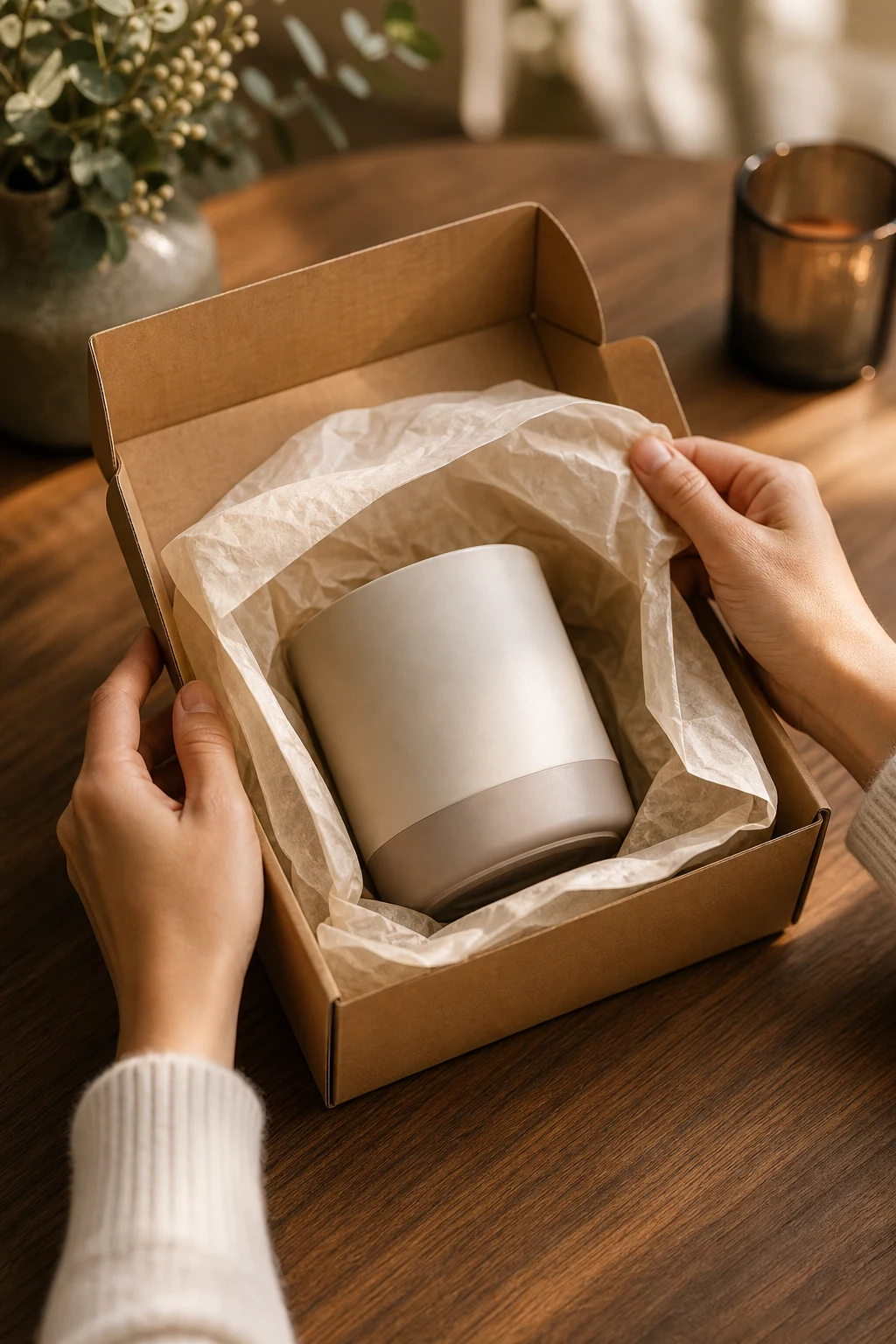
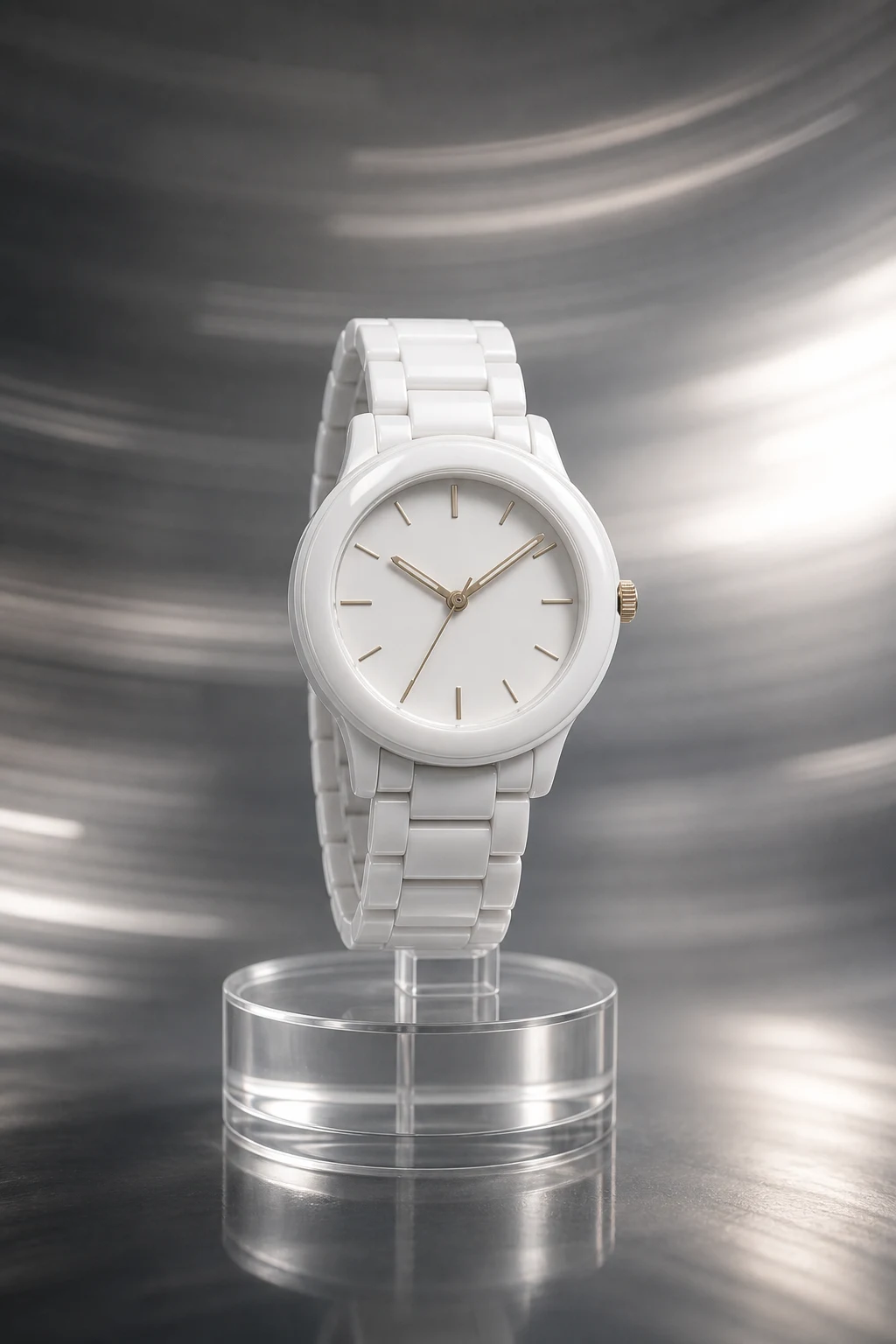
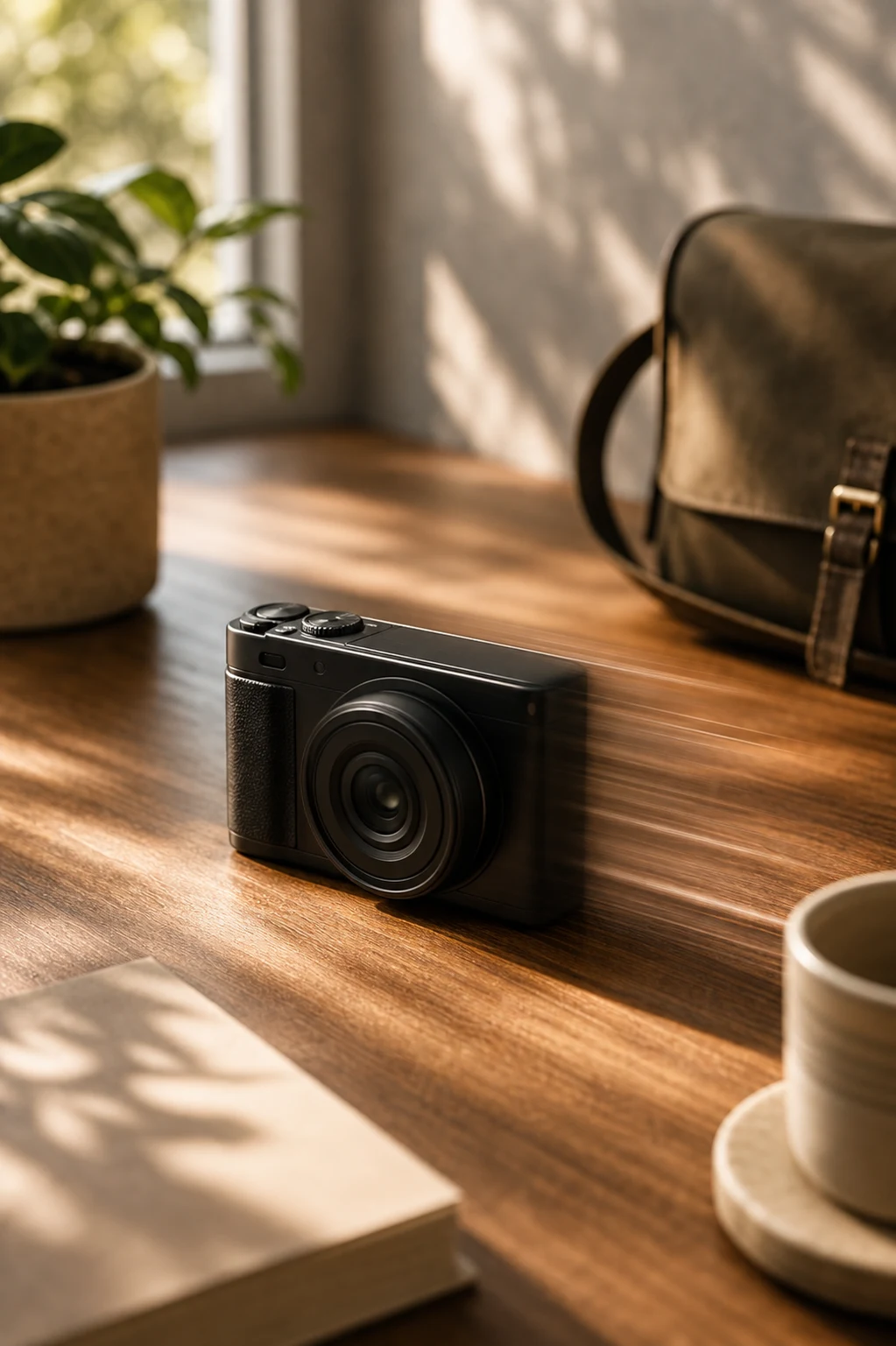
A taste of the output.


FAQ
Good questions about Video Studio.
Can I use image references?▾
Yes. Video Studio supports reference-led generation so product and scene direction stay grounded.
Is every provider the same?▾
No. Mockingbird records provider, endpoint, duration, aspect ratio, and audio settings so outputs stay traceable.
Where should ad videos be created?▾
Use Ads Studio for campaign-specific ad briefs. Video Studio is for broader motion and video concepts.