




What it does
Every control image studio creators actually need.
Prompt-to-image
Generate styled visuals from a plain-language brief, then refine with chat-style follow-ups.
Style direction
Guide palette, lighting, finish, and art direction so output feels intentional.
Composition cues
Describe framing, focal point, camera distance, negative space, and background mood.
Reference-aware
Use uploaded references to keep subject, mood, or style aligned across iterations.
Every aspect ratio
Square, portrait, landscape, ultra-wide — every shape in one studio.
Fast iteration
Keep generating new passes from the same context until the direction is right.
Workspace history
Generated images stay scoped to Image Studio so assets reopen in the right place.
Clean exports
Download finished images without watermarks in supported output formats.
How it works
From idea to asset in three steps.
Describe the image
Write a prompt or pick from a template. Add references if you have them.
Refine the direction
Ask for tighter framing, richer lighting, cleaner backgrounds, or a new style pass.
Save the result
Download the final image or reopen it later from Assets and history.
Gallery
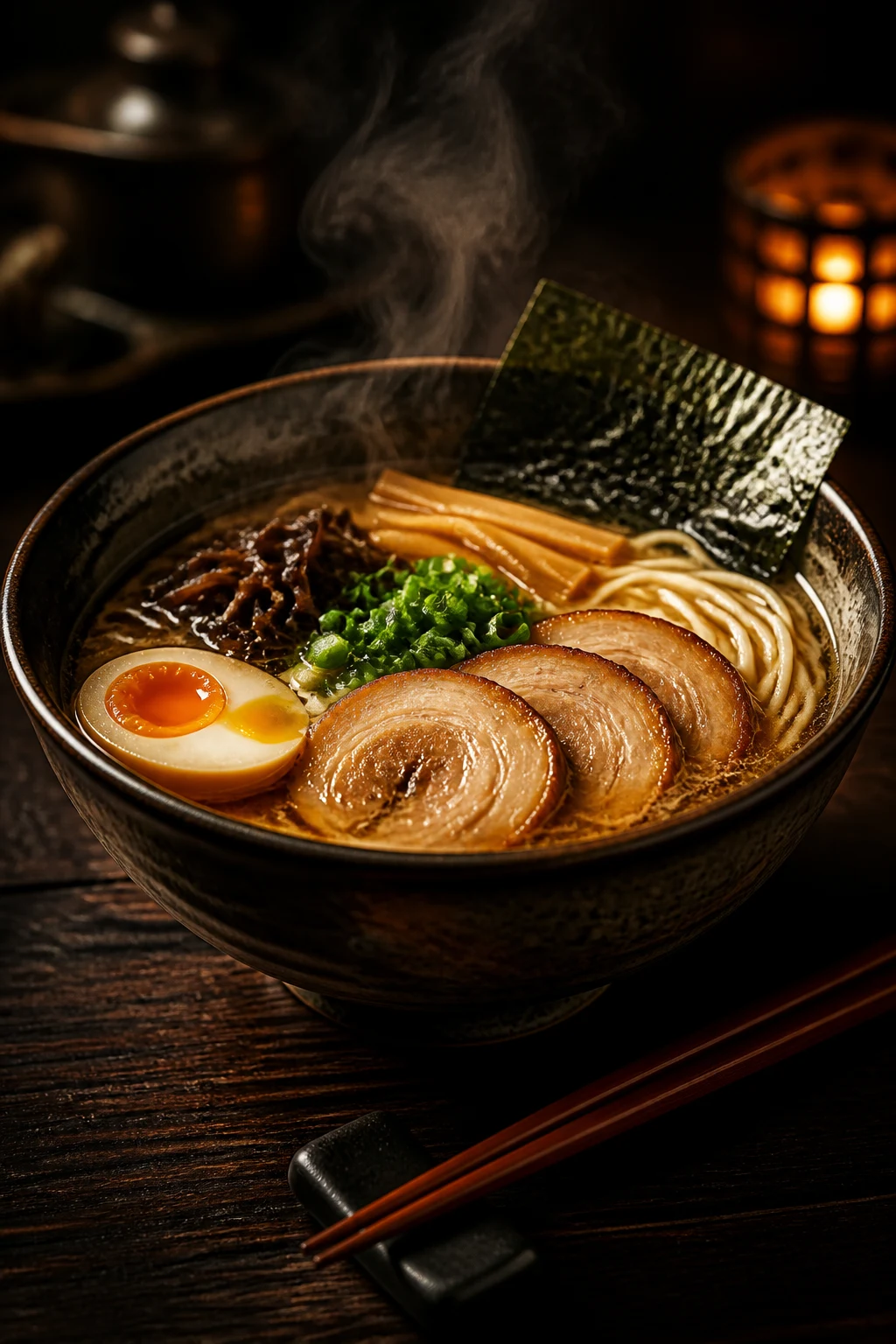
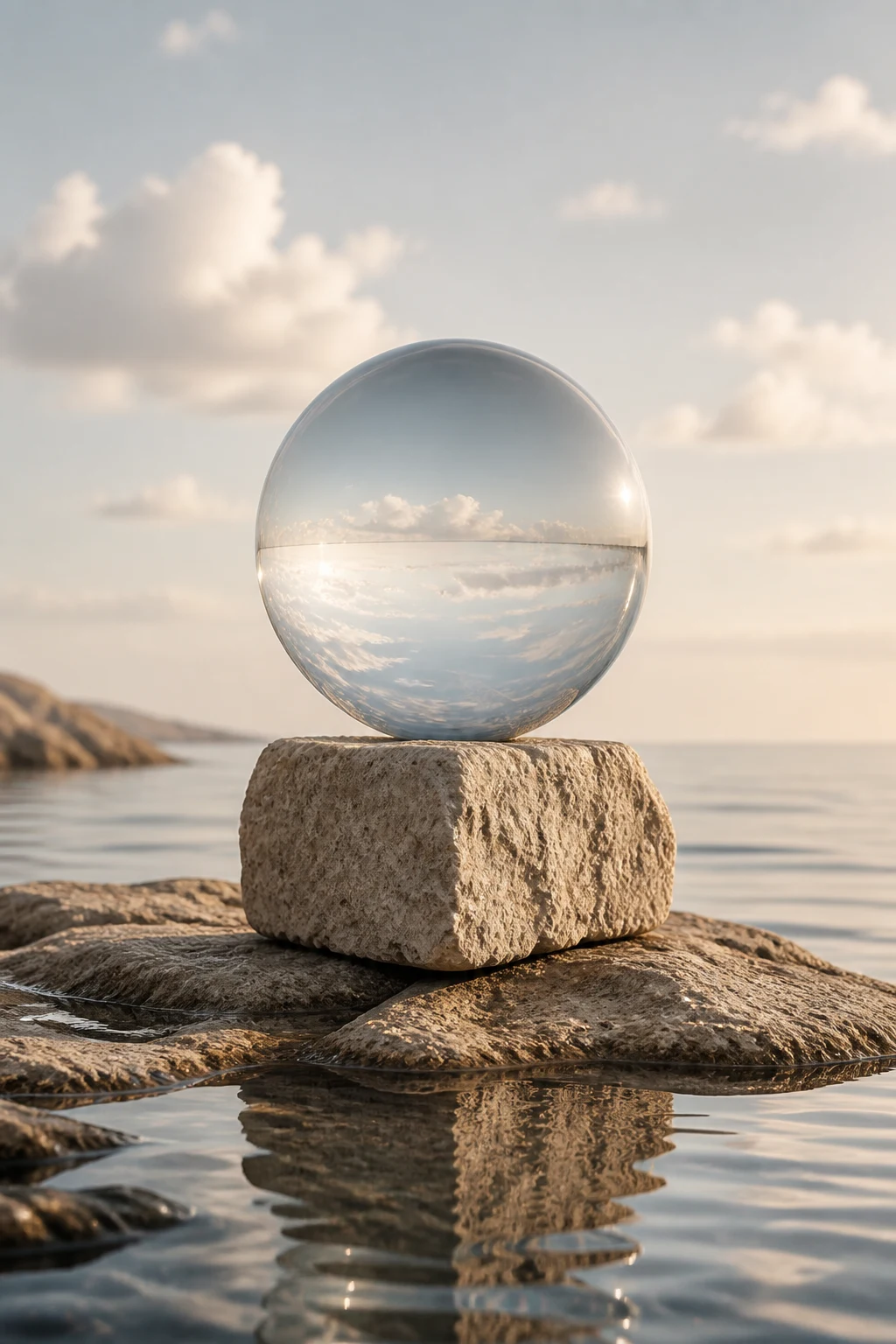
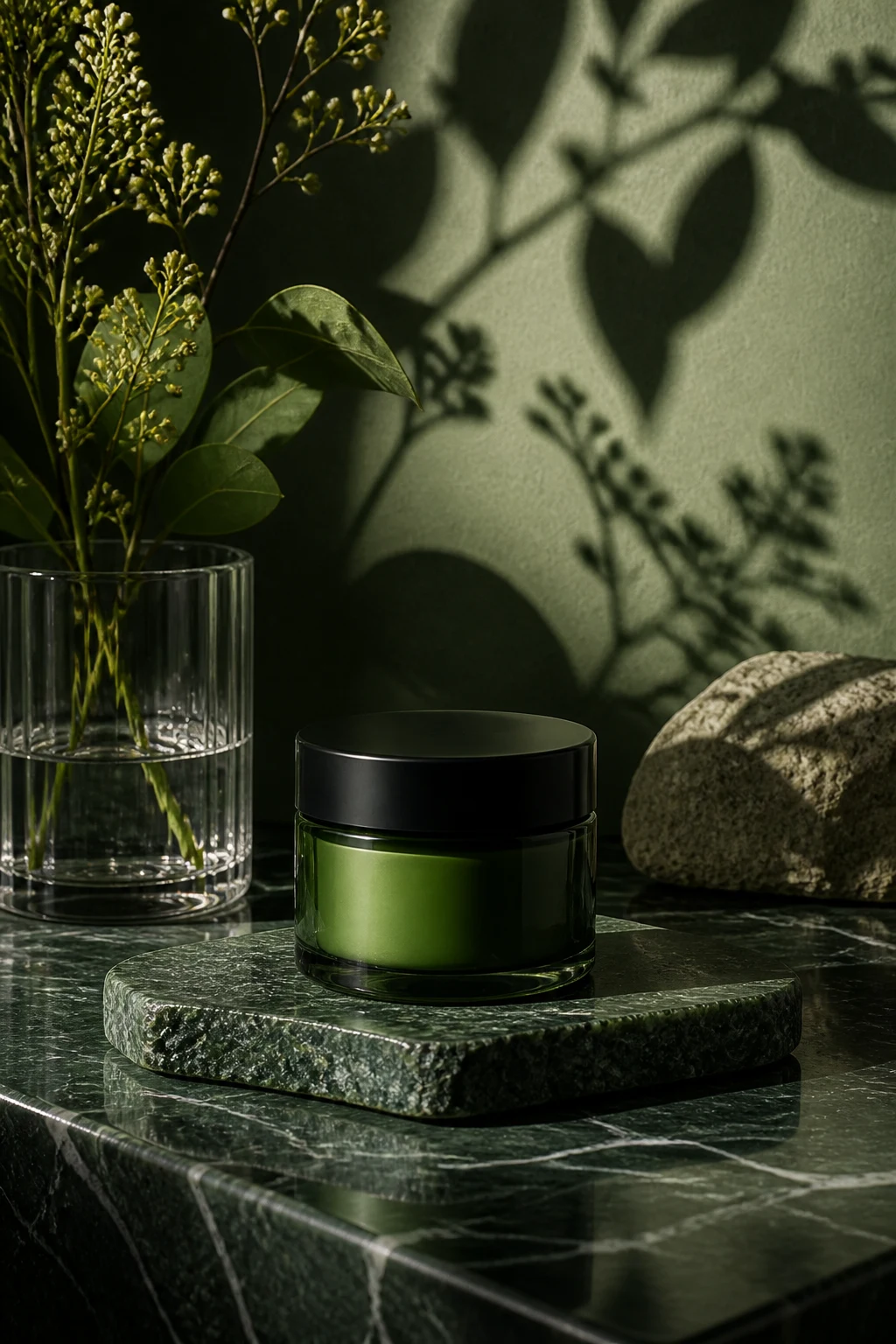
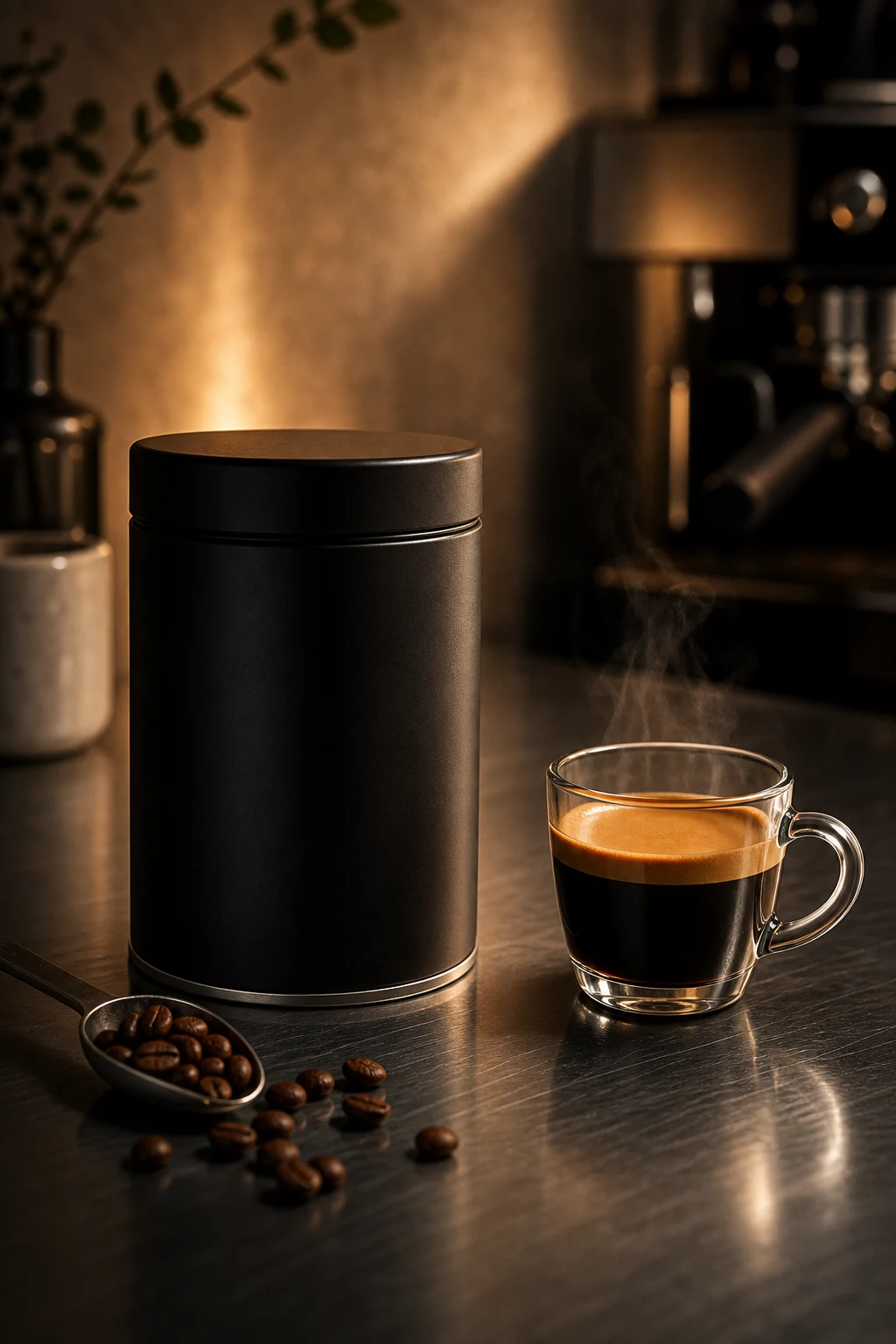
A taste of the output.


FAQ
Good questions about Image Studio.
Can I use references?▾
Yes. Add product, style, or mood references when you want the output to stay grounded.
Does Image Studio replace editing?▾
No. Image Studio creates and refines images. For surgical changes, send the result into Smart Edit or Edit Studio.
Where do my outputs go?▾
Generated images are saved to your account history and can be reopened from the Assets workspace.