


What it does
Every control ugc studio creators actually need.
Creator direction
Guide tone, persona, setting, delivery style, and product interaction without using real-person likenesses.
Script contracts
Shape hooks, problem-solution flow, testimonial framing, founder notes, or lifestyle demos.
Voice-aware briefs
Write scripts that sound casual and specific rather than polished corporate copy.
Video mode
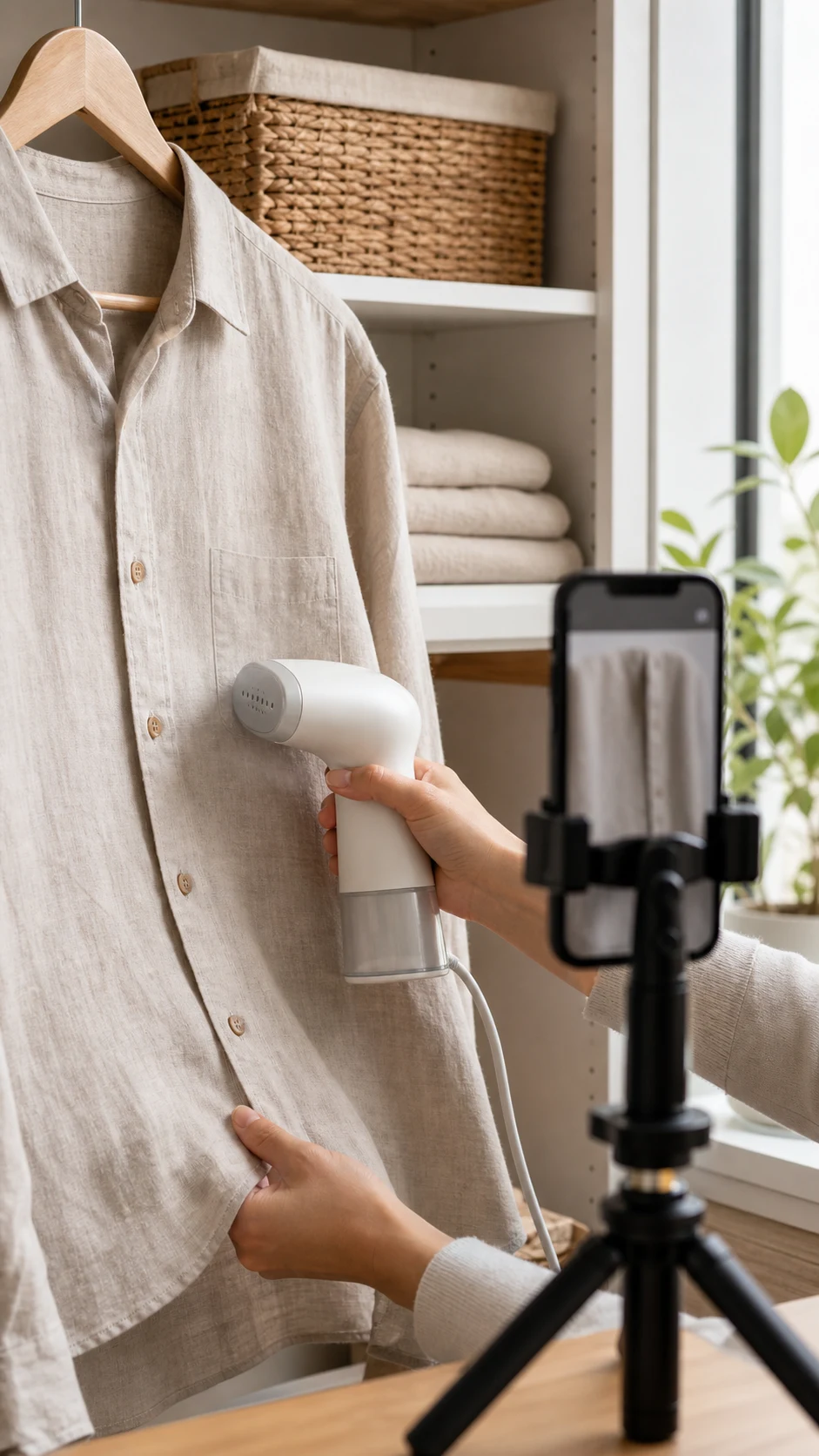
Generate vertical creator-style product clips when UGC video is enabled.
Image mode
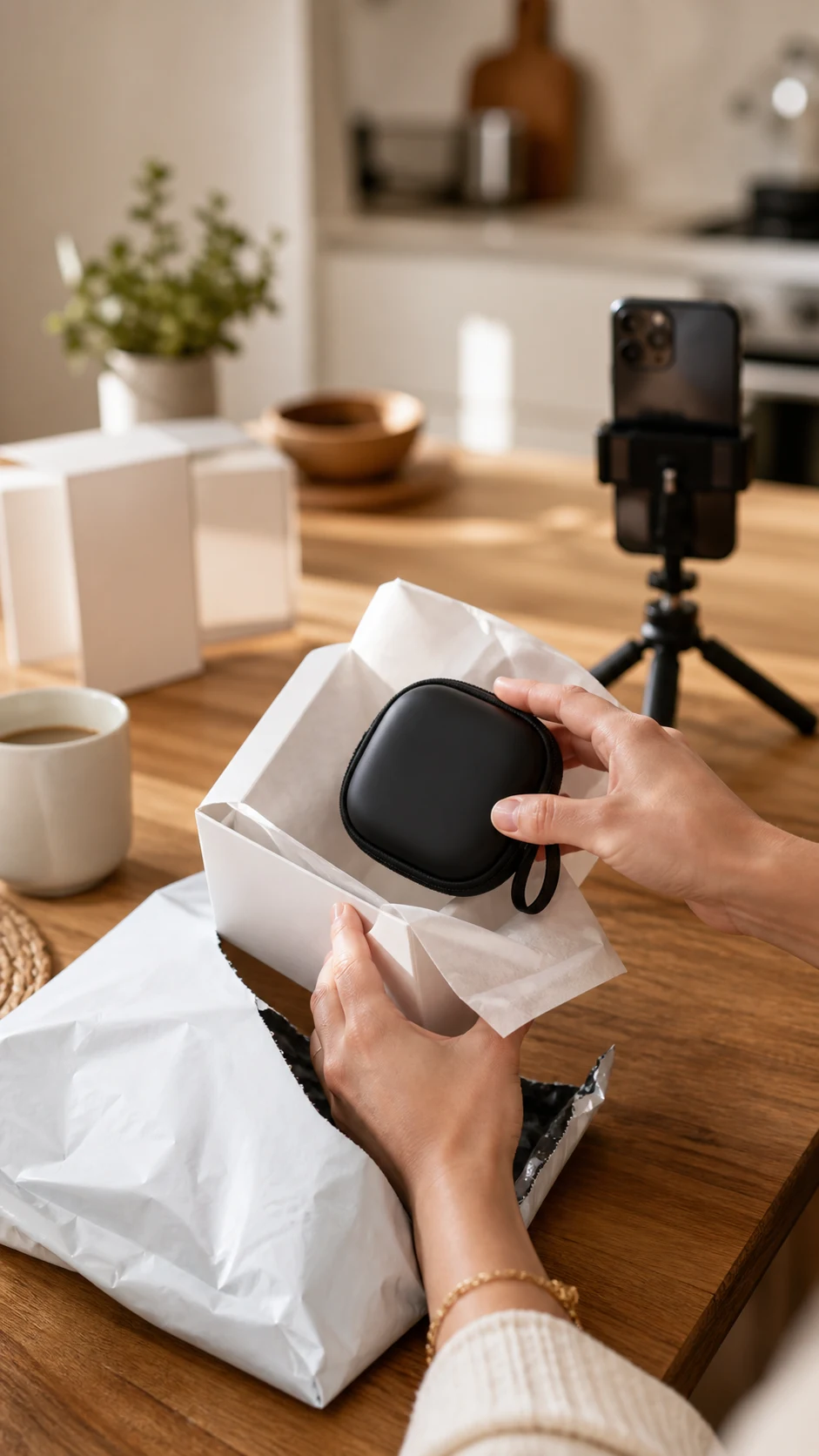
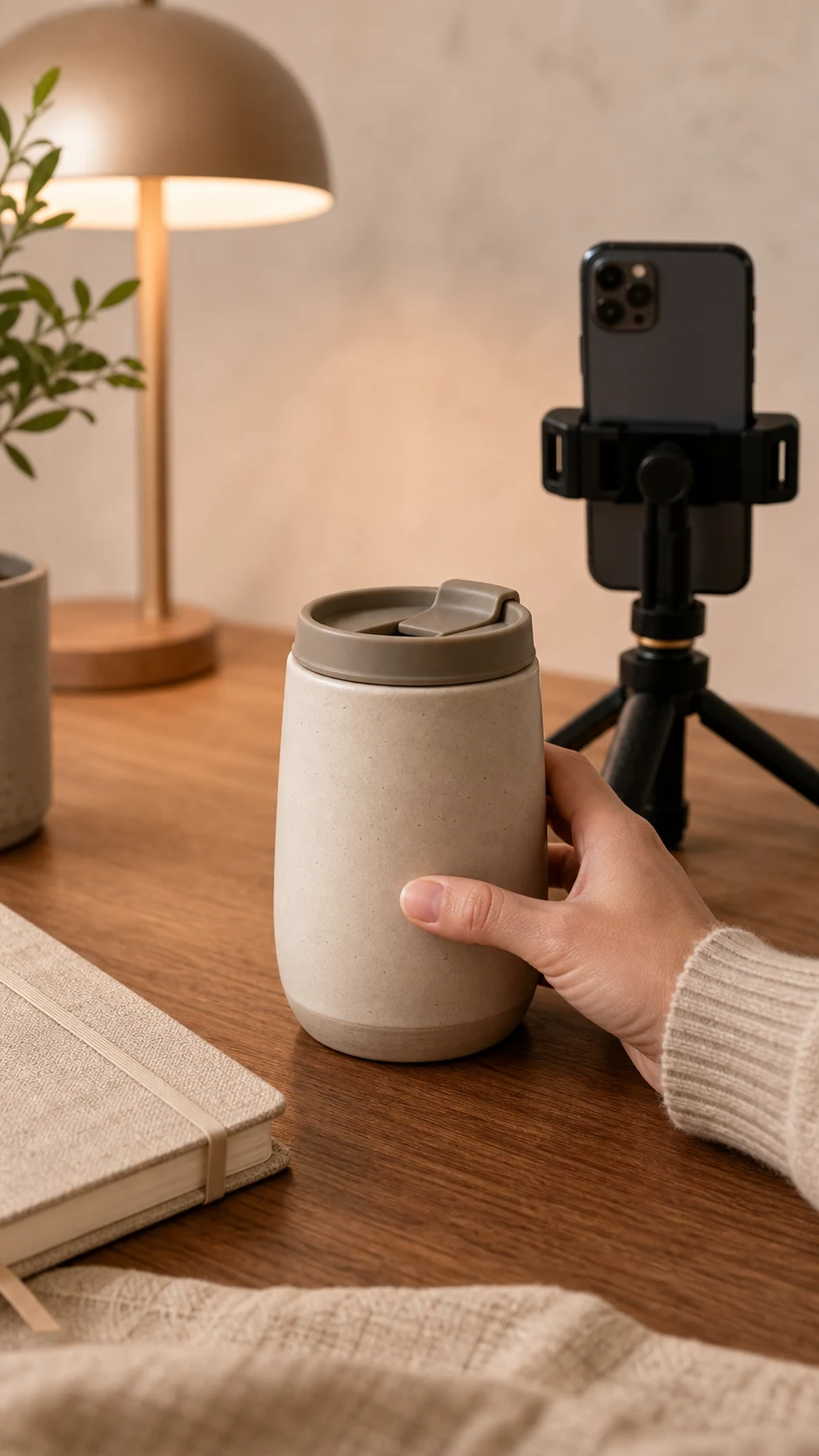
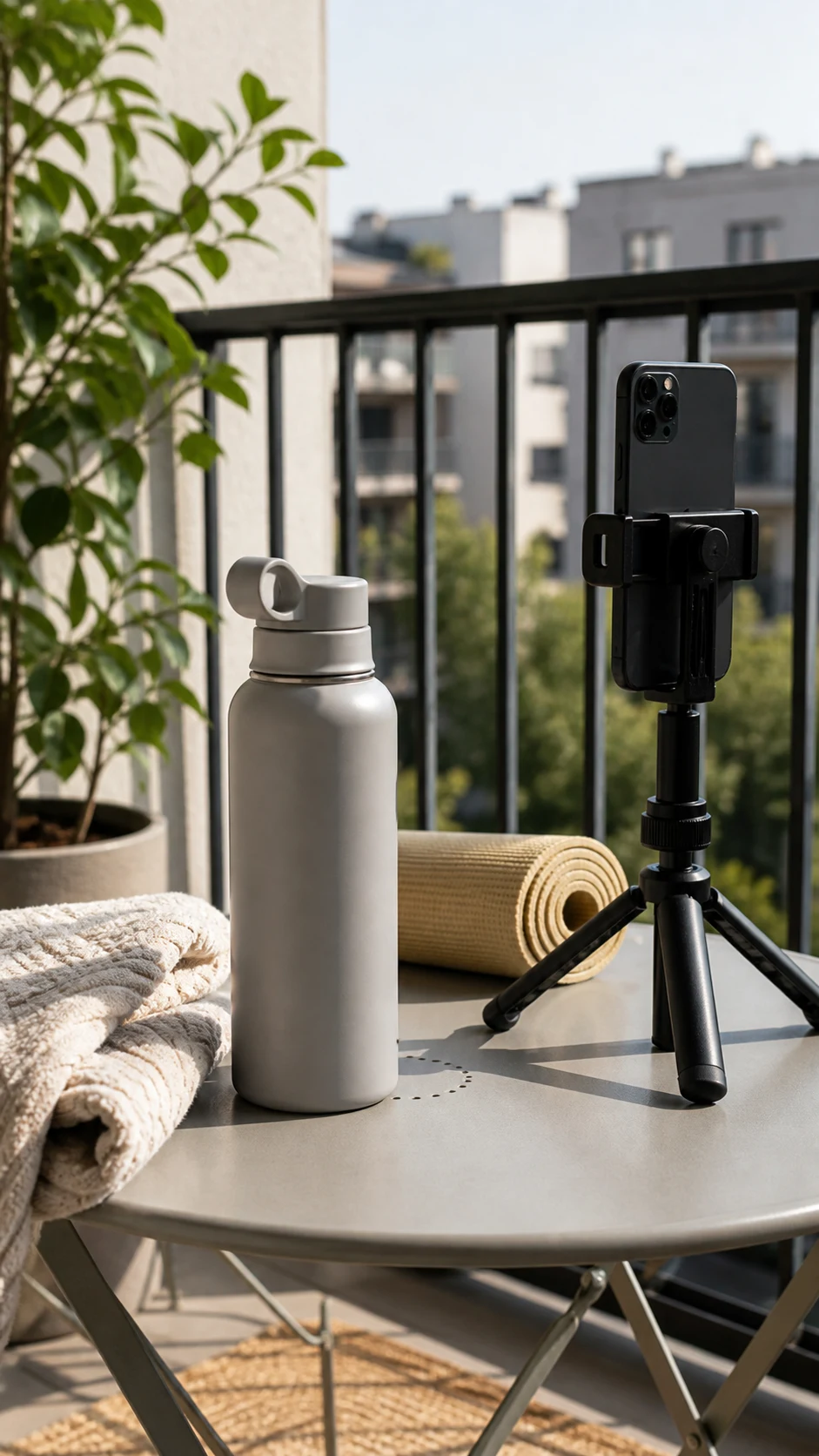
Create creator-style stills for thumbnails, social proofs, and lifestyle product moments.
Localized direction
Adapt tone and phrasing for the audience the user supplies.
Follow-up refinements
Ask for a warmer delivery, stronger product focus, different scene, or tighter hook.
Scoped history
UGC outputs stay in UGC Studio history and reopen in the correct workspace.
How it works
From idea to asset in three steps.
Describe the product
Drop a URL, paste a brief, or upload the item. Mockingbird understands the pitch.
Choose the format
Pick image or video and define creator tone, scene, product handling, and aspect ratio.
Refine the content
Improve the hook, scene, delivery, or product clarity while staying grounded to the brief.
Gallery
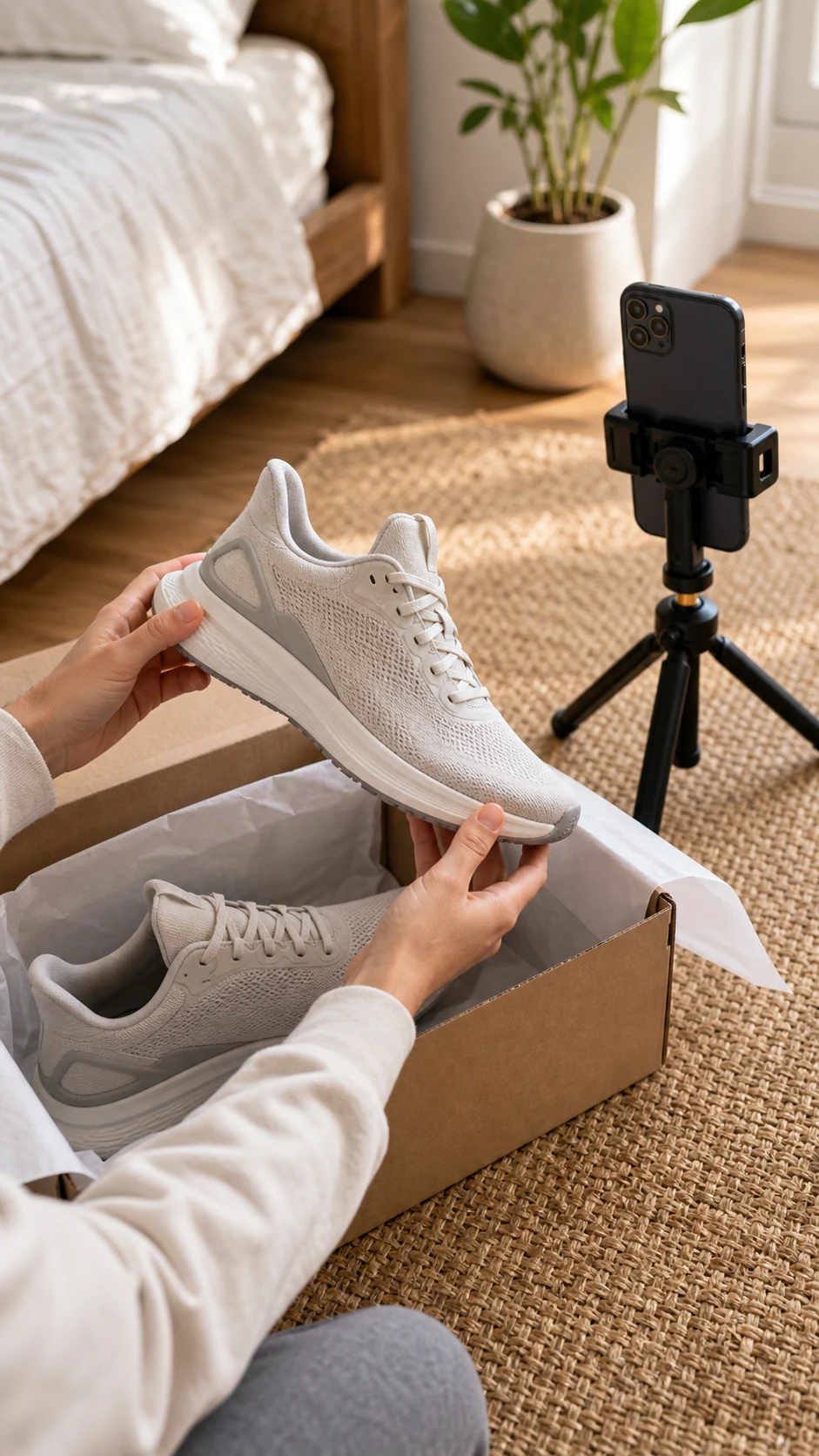
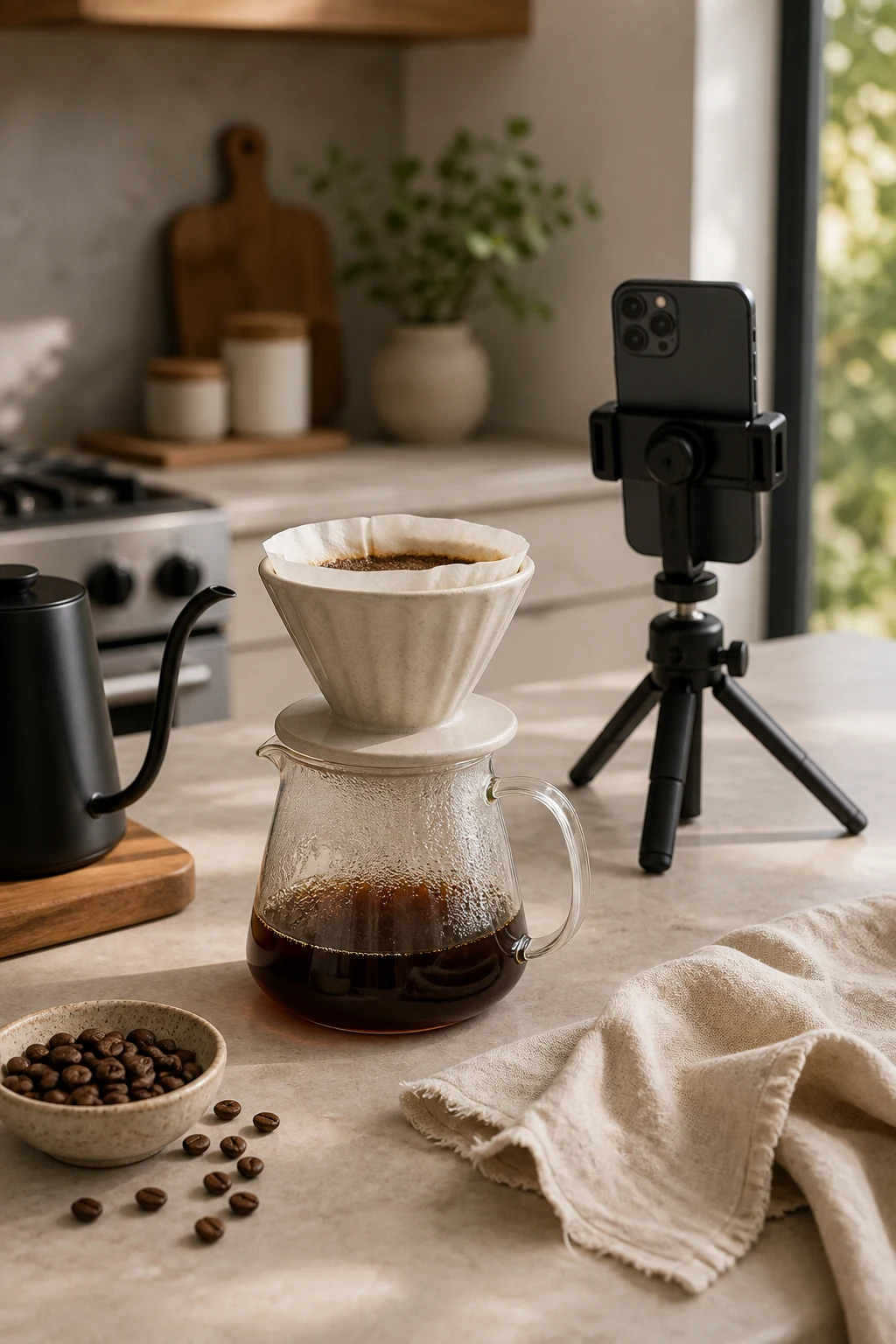
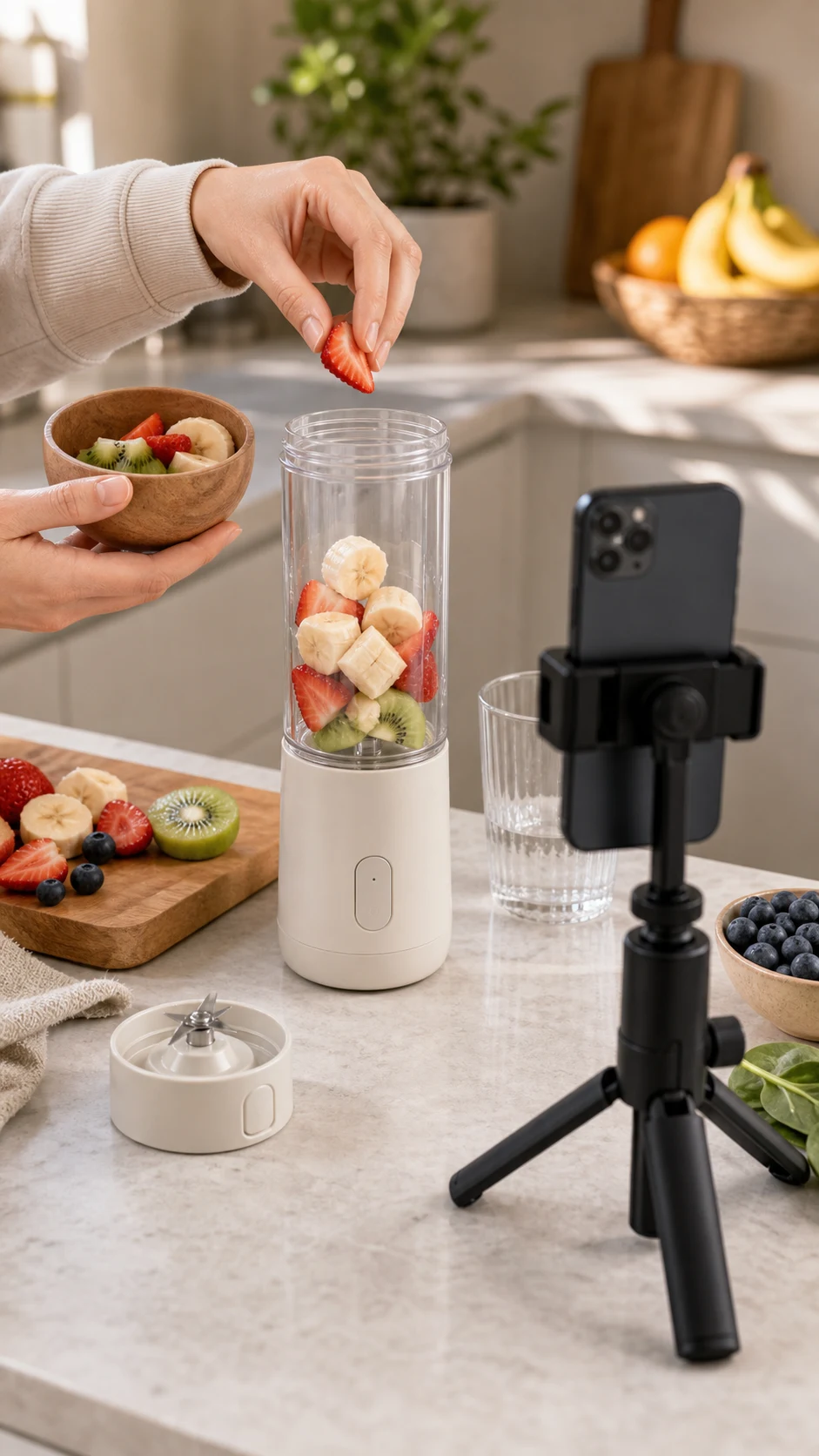
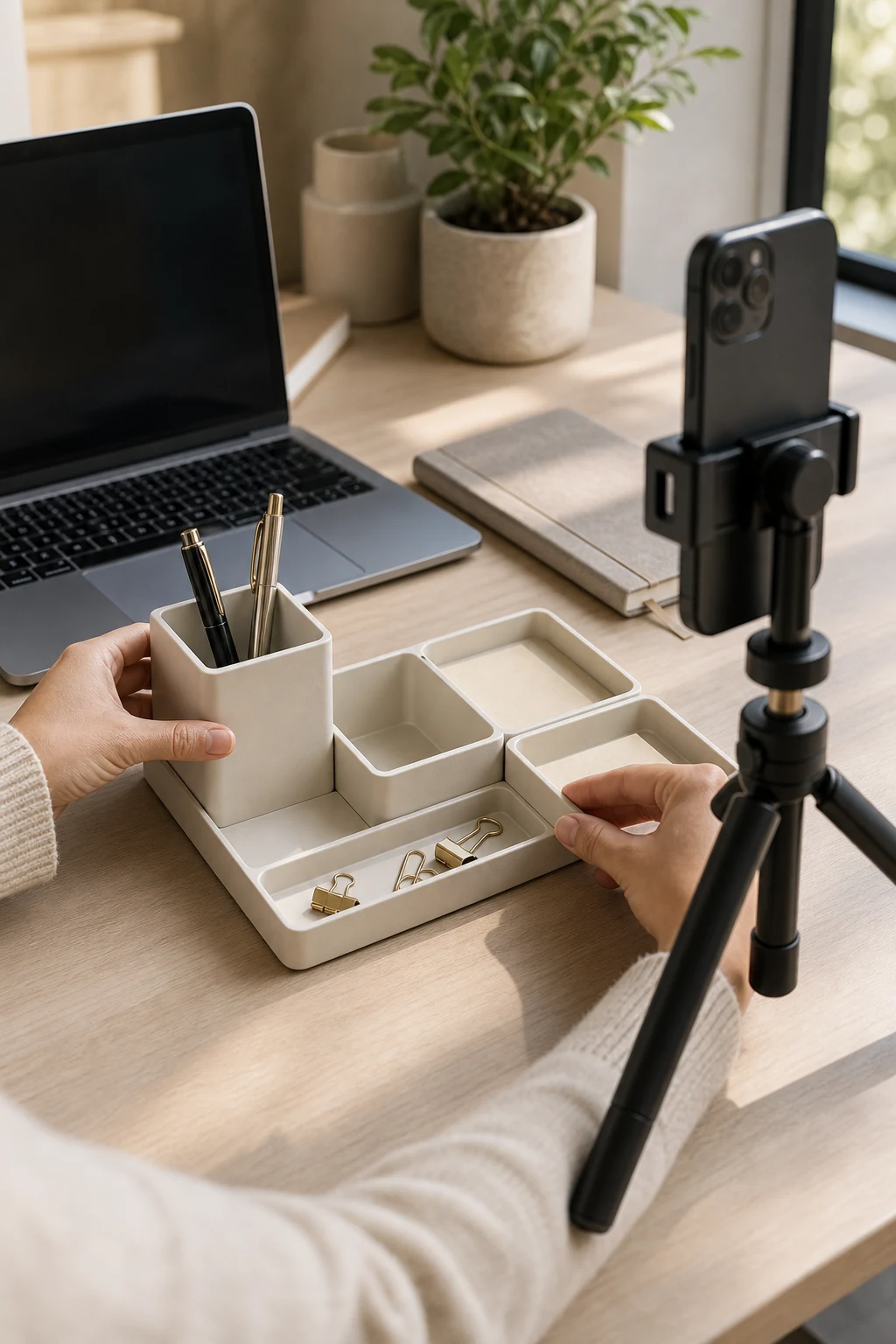
A taste of the output.
FAQ
Good questions about UGC Studio.
Does UGC Studio use real creators?▾
No. It creates AI-generated creator-style content. Users should only upload references they have rights to use.
Can it create images and videos?▾
Yes. UGC Studio supports still image concepts and video generation paths where enabled.
Does it guarantee ad performance?▾
No. It helps produce UGC-style creative tests, but campaign results depend on offer, audience, placement, and media buying.